



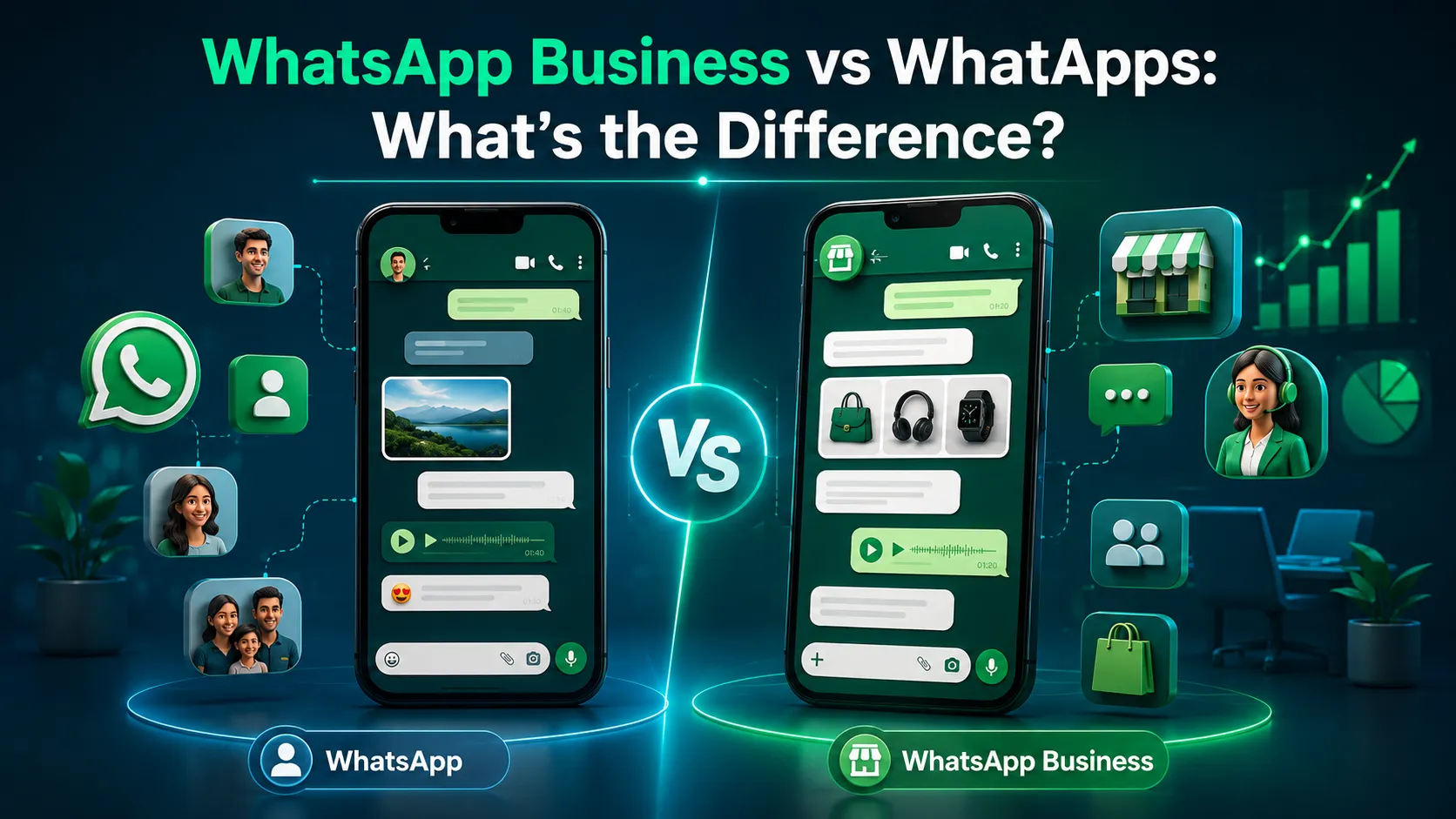
If you have ever opened the Play Store or App Store and seen two WhatsApp apps sitting side by side, you have probably asked yourself: WhatsApp Business vs WhatsApp what's actually the difference?
Here is the short answer. WhatsApp Messenger is built for personal communication. It is the app you use to chat with friends, family, and groups. WhatsApp Business, on the other hand, is built to help businesses talk to their customers. Both apps look and feel similar. You send text messages, make calls, share photos, and post a status the same way in both.
The real difference shows up in the extra tools. WhatsApp Business adds a business profile, customer facing features, and ways to organize customer chats that regular WhatsApp simply does not have.
So which one do you need? If you use WhatsApp to talk with friends and family, regular WhatsApp is enough. If you run a business and talk to customers regularly, WhatsApp Business gives you tools that make that job easier. In this guide, we will break down every difference between WhatsApp and WhatsApp Business so you can decide which one fits you.
If you already know you want to switch and are looking for the exact steps, we have a separate guide on How to Change WhatsApp to Business Account that walks you through the whole process. You can read that here and come back to this article for the full comparison.
What Is the Difference Between WhatsApp and WhatsApp Business?
In simple words: WhatsApp is for personal chats, and WhatsApp Business is for business chats. The messaging experience sending texts, making calls, sharing media stays the same in both apps. What changes is everything around the messaging: your profile, your tools, and how you manage conversations.
Here is a side by side look at the core differences.
Primary purpose: WhatsApp is for personal communication, while WhatsApp Business is for business and customer communication.
Business profile: WhatsApp offers only a basic personal profile, while WhatsApp Business offers a full business profile.
Business category: Not available on WhatsApp, but available on WhatsApp Business.
Business hours: Not available on WhatsApp, but available on WhatsApp Business.
Business description: WhatsApp gives you a basic "About" text, while WhatsApp Business gives you a detailed business description.
Catalog: Not available on WhatsApp, but available on WhatsApp Business.
Messaging tools: WhatsApp has basic messaging, while WhatsApp Business has business focused messaging tools.
Quick replies: Not available on WhatsApp, but available on WhatsApp Business.
Greeting/away messages: Not available on WhatsApp, but available on WhatsApp Business.
Labels/organization: WhatsApp has limited organization, while WhatsApp Business offers chat organization with labels.
Customer communication: WhatsApp is general and one to one, while WhatsApp Business is built specifically for business use.
Keep in mind that not every feature is available in every country or on every account. WhatsApp keeps rolling out updates, and some tools depend on your region or app version. That said, WhatsApp Business consistently offers more tools to automate, sort, and quickly reply to incoming messages than the regular app does.
Is WhatsApp Business the Same as WhatsApp?
No. They look similar, but they are two separate apps, and WhatsApp itself confirms this. WhatsApp Messenger and WhatsApp Business are built and distributed as different apps, each with its own purpose.
Here is what they share and where they split apart:
Similar messaging interfaces chats, calls, and media sharing feel almost identical.
Same familiar communication style, so there is no learning curve if you switch.
Different purposes one is personal, the other is for business.
Different business tools only WhatsApp Business has them.
Different profile options a business profile versus a personal profile.
So if someone asks "is WhatsApp Business the same as WhatsApp," the honest answer is: related, yes. Identical, no.
What Is WhatsApp Messenger Used For?
Before comparing further, it helps to understand what regular WhatsApp is actually meant for.
Personal Conversations
WhatsApp Messenger is where most people talk to the people closest to them. This includes:
Friends
Family
One on one chats
Group chats for classes, family, or friend circles
There is nothing business related built into these conversations. It's just simple, direct messaging.
Calls and Media Sharing
Regular WhatsApp also covers everyday communication needs like:
Voice calls
Video calls
Photos
Videos
Documents
Status updates
These features work well for personal use and don't need any business setup.
When Is Regular WhatsApp Enough?
You don't always need WhatsApp Business. Regular WhatsApp works just fine if:
You use WhatsApp only for personal chats.
You're a freelancer who talks to clients occasionally, not daily.
You run a small, informal, family based setup with no need for structure.
You don't need catalogs, labels, or automated replies.
If none of the business tools sound useful to you right now, there is no rush to switch.
What Is WhatsApp Business Used For?

WhatsApp Business exists for one main reason: to help businesses talk to customers better. WhatsApp describes it as a free to download app made for small business owners, with tools that help you automate, sort, and quickly respond to incoming messages.
Let's look at what that actually means in practice.
Business Profile
A WhatsApp Business profile can include:
Business name
Category (what kind of business you run)
Description
Address
Email
Website
Business hours
This turns your WhatsApp number into something closer to a mini storefront. Customers can see who you are and what you offer before they even message you.
Customer Messaging
WhatsApp Business gives you tools to organize and reply to customer conversations more efficiently. Instead of scrolling through one long chat list like on regular WhatsApp, you get features that help you sort, tag, and respond to customer messages faster.
Product and Service Showcase
One of the most useful WhatsApp Business features is the catalog. Businesses can add products or services with details like name, price, description, and a link to their website. Customers can browse this catalog right inside the chat, without leaving WhatsApp.
What Features Does WhatsApp Business Have That WhatsApp Doesn't?
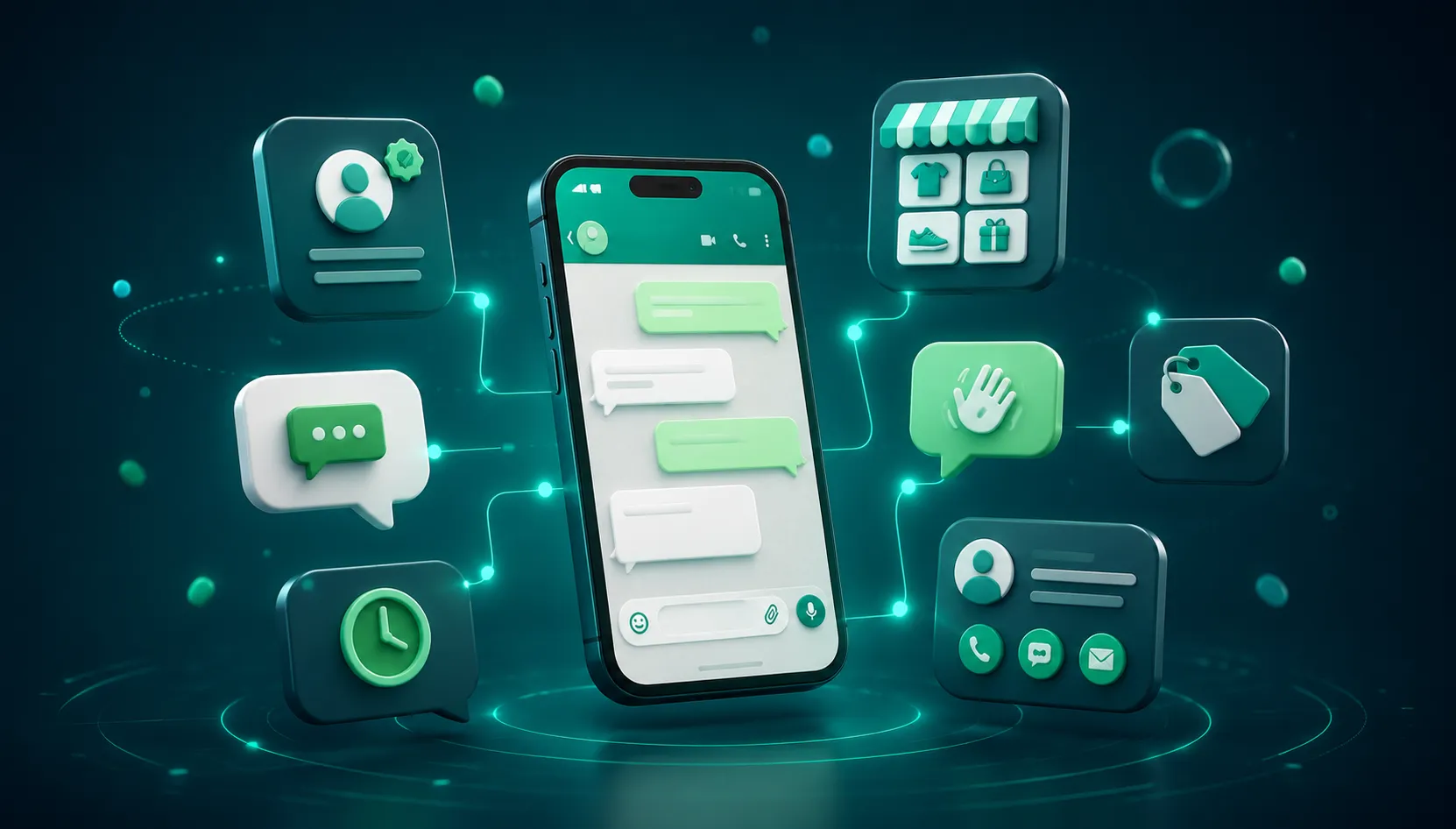
This is the heart of the WhatsApp Business vs WhatsApp comparison. Let's go through each business only feature one by one what it is, how it helps, and a simple example.
Business Profile
What it is: A detailed profile with your business name, category, address, hours, and contact details.
How it helps: Customers get instant answers to basic questions like whether you're open right now without having to type them out.
Example: A bakery adds its address and opening hours to its profile. A customer checking WhatsApp late at night can immediately see the bakery is closed and plan to message in the morning instead.
Catalog
What it is: A built in space to showcase your products or services with images, prices, and descriptions.
How it helps: A catalog allows a business to showcase products or services directly within WhatsApp, giving customers a way to browse offerings and start a conversation about them, instead of asking "what do you sell?" over and over.
Example: A clothing store uploads its latest collection to the catalog. A customer scrolls through it and messages directly about a specific item they liked.
Quick Replies
What it is: Saved responses you can send with a shortcut instead of typing the same answer repeatedly.
How it helps: It saves time on common questions, like pricing, delivery timelines, or store location.
Example: A support team saves a quick reply for "What are your delivery charges?" and sends it in one tap instead of retyping it for every new customer.
Greeting Messages
What it is: An automatic message sent to customers messaging you for the first time or after a period of inactivity.
How it helps: It welcomes new customers immediately, even if you can't reply right away, so they don't feel ignored.
Example: A salon sets a greeting message that says thanks for reaching out and mentions typical response time, so first time customers know they've been heard.
Away Messages
What it is: An automatic reply sent when you're unavailable, such as outside business hours.
How it helps: It manages customer expectations by letting them know when they can expect a response.
Example: A small business sets an away message for after 8 PM, letting customers know replies will resume the next morning.
Labels and Chat Organization
What it is: Tags you can attach to chats to sort them into categories.
How it helps: It helps you find and manage conversations faster, especially when message volume grows.
Example: A business owner labels chats as "New Order," "Payment Pending," and "Completed" to track where each customer stands at a glance.
Business Information
What it is: The combined set of details description, category, website, email that make up your visible business identity.
How it helps: It builds trust. Customers are more likely to engage with a business that looks complete and professional.
Example: A new customer searching for a service provider is more likely to message a business whose profile has a clear description and working website link than one with no information at all.
WhatsApp Business vs WhatsApp: Which One Is Better?
There is no single "better" app here it depends entirely on what you use WhatsApp for. Let's break it down simply.
WhatsApp is better if:
You mainly use it for personal communication.
You don't need business tools.
You don't sell products or services through chats.
You don't need a business profile.
WhatsApp Business is better if:
You communicate with customers regularly.
You run a small business.
You want business information visible on your profile.
You want customer facing messaging tools like quick replies and greetings.
You want to showcase products or services through a catalog.
You need better organization for a growing number of business chats.
So instead of asking which is better overall, ask yourself: am I using this to talk to people I know, or to run a business? That answer will point you to the right app.
Can You Use WhatsApp and WhatsApp Business on the Same Phone?
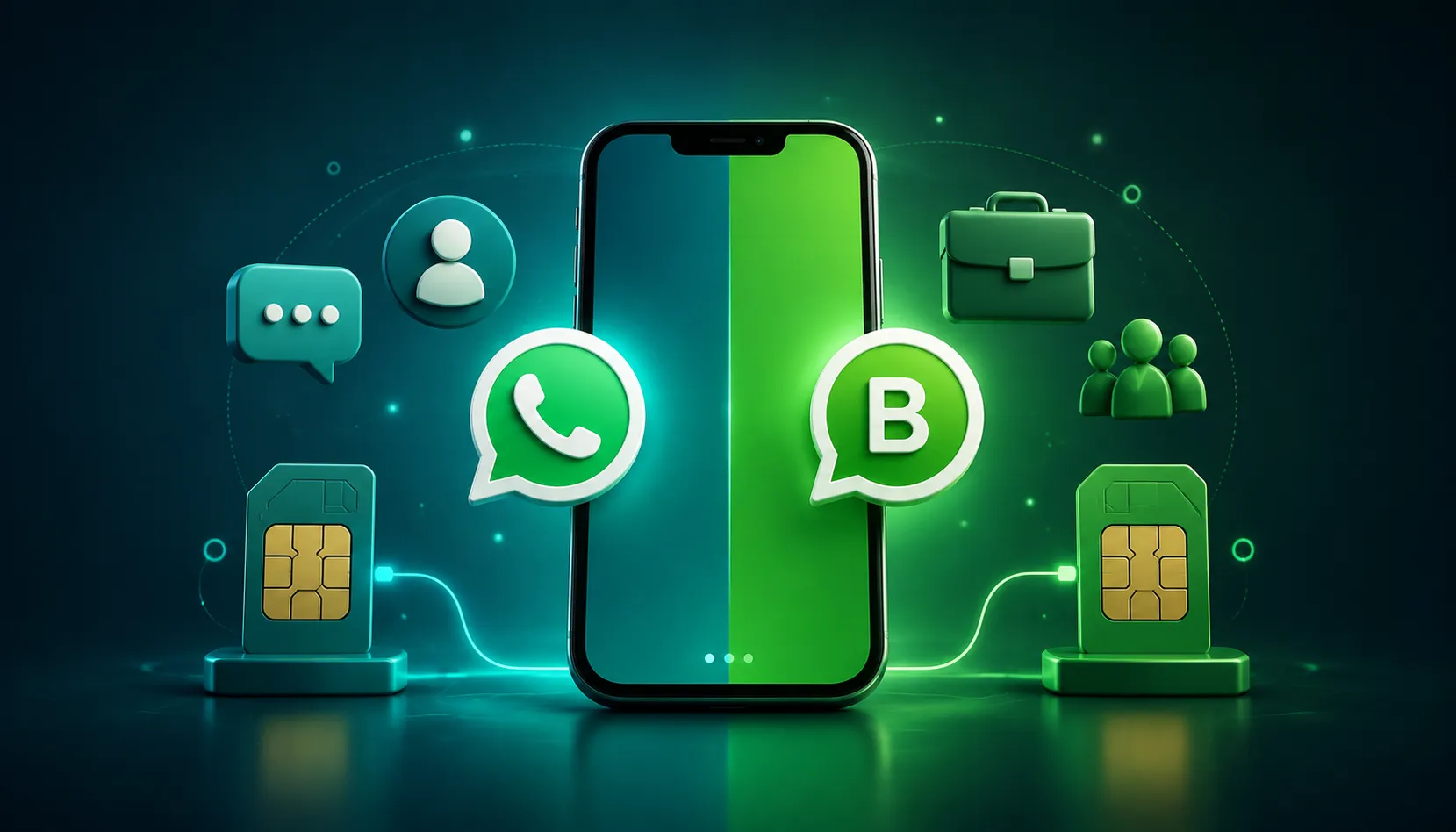
Yes, this is possible, but it's important to understand the two different scenarios.
Same phone, different phone numbers: You can install both WhatsApp and WhatsApp Business on one phone as long as each app is linked to a different phone number. This is common on phones that support two SIM cards or with a secondary number.
Same phone number, both apps: This is not possible. WhatsApp states that the same phone number cannot be linked to both WhatsApp Messenger and WhatsApp Business at the same time. You can move between the two apps using one number, but you can't have both active with that same number simultaneously.
If you're planning to switch your existing number over to WhatsApp Business, our guide on how to change WhatsApp to Business account walks through the full process step by step.
Can You Switch From WhatsApp to WhatsApp Business?
Yes, users can move between the two apps. The process generally follows these steps:
Back up your existing WhatsApp data.
Install WhatsApp Business.
Verify your phone number.
Follow the on screen restore or transfer instructions.
Review your chats and media once transferred.
Complete your new Business profile with your business details.
This is just an overview.
WhatsApp Business vs WhatsApp for Privacy and Security

A common worry people have is: does switching to a business account make my messages less private? The answer is no. WhatsApp states that personal messages and calls remain end-to-end encrypted, including when you're using WhatsApp Business. Your conversations are protected the same way in both apps.
Here's what else stays consistent between the two:
End-to-end encryption: Messages and calls are encrypted in both apps.
Account security: Standard account protection applies to both.
Two step verification: Available on both apps to add an extra layer of login security.
Privacy settings: You can still control who sees your last seen, profile photo, and status.
Business information visibility: Your business details (address, hours, description) are visible to anyone who messages you, so only share what you're comfortable showing publicly.
Customer data responsibility: As a business, you're responsible for how you store and use customer information you collect through chats.
Verification codes/OTP safety: Never share your WhatsApp verification code with anyone, on either app.
It's also worth knowing that the Business app has its own Business App Privacy Policy covering business specific functions, while the general WhatsApp Privacy Policy covers the core app functionality shared by both. If you want a deeper look at this, check out our article on WhatsApp Privacy & Safety for Business.
Is WhatsApp Business Free?
Yes. WhatsApp describes WhatsApp Business as a free to download app. You can download it, set up your business profile, and use its core features without paying anything.
But there's an important distinction to make here, especially if you're exploring options for a growing business.
The WhatsApp Business App is the free, downloadable app most small businesses use.
The WhatsApp Business Platform (also known as the API) is a completely different product built for larger scale business messaging, and it typically involves a different pricing and service model through business solution providers.
Many people confuse the two, thinking "WhatsApp Business" refers to only one thing. It doesn't. Understanding this difference matters a lot as your business messaging needs grow.
WhatsApp Business App vs WhatsApp Business Platform: Are They the Same?

No, and this distinction is important once your business starts growing.
WhatsApp Business App: This is meant for businesses that want to manage customer conversations directly through the app, on a phone or through WhatsApp Web. It works well for small businesses handling a manageable number of daily conversations.
WhatsApp Business Platform: This is meant for businesses that need more advanced messaging capabilities and integrations. It's not a simple app it connects with other systems to support things like:
API integration with your existing tools
CRM integration to keep customer records in sync
Automation for handling messages at scale
Larger scale customer communication across teams
Multiple systems and workflows working together
If you're a solo shop owner replying to a handful of customers a day, the app is likely enough. If you're a growing business juggling hundreds or thousands of conversations across a team, the Platform becomes far more practical. Businesses that need advanced WhatsApp automation and integrations can explore WhatsApp Business Platform solutions to support that scale.
Which WhatsApp Account Should a Small Business Choose?

If you've decided that WhatsApp Business is the right fit and now want to actually set one up, we have a dedicated guide on WhatsApp Business Account Creation — Step-by-Step Guide that walks you through the entire setup process from start to finish.
Here's a simple way to decide, based on how you actually use WhatsApp today.
Choose WhatsApp if: You mainly use it for personal communication with friends and family.
Choose WhatsApp Business App if: You run a small business and want a profile, catalog, and basic customer messaging tools.
Consider WhatsApp Business Platform if: Your business is growing and you need automation, integrations, or the ability to handle messaging at a larger scale.
Here's the decision laid out as a simple flow:
Do you mainly use WhatsApp personally?
|
YES
|
Do you communicate with customers?
|
YES
|
WhatsApp Business App
Need automation, integrations, or
larger scale business messaging?
|
YES
|
WhatsApp Business Platform
WhatsApp Business vs WhatsApp: Pros and Cons
Pros
Simple to use
Familiar interface
Great for personal communication
Free, with no business setup needed
Cons
Fewer business specific tools
No dedicated business profile features
Limited options for organizing conversations at scale
WhatsApp Business
Pros
Business profile with full details
Customer communication tools built in
Catalog to showcase products or services
Business messaging features like quick replies and greetings
Stronger, more professional business identity
Cons
Designed specifically for business use, so it's unnecessary for personal chatting
Some features vary depending on region or account type
Advanced needs may require the Business Platform rather than the app alone
The Bottom Line
At its core, the WhatsApp Business vs WhatsApp decision comes down to purpose. WhatsApp is primarily for personal communication, while WhatsApp Business is designed for businesses that need additional tools to communicate with customers effectively.
If you're an individual chatting with friends and family, regular WhatsApp is all you need. If you run a small business and want a proper profile, catalog, and customer friendly tools, WhatsApp Business App is the right move. And if your business has outgrown simple app based messaging and needs automation, integrations, and team wide handling of conversations, it's time to look at the WhatsApp Business Platform.
Each option serves a different stage of communication needs personal, small business, and growing business. As your business scales and your customer conversations grow more complex, platforms like Anantya.ai can help you take that next step with WhatsApp automation and integration built for growing teams.