






Most of us think of WhatsApp as one green app on our phone. We use it to chat with friends, share photos and join family groups. Then one day you start a small business, or you have to reply to messages from a laptop at work, and you notice something odd. People talk about WhatsApp Business, WhatsApp API, WhatsApp Web, and even GB WhatsApp. Which one is the real one? Which one do you actually need?
If you feel confused, you are not alone. In this guide, we will go through the different types of WhatsApp apps in plain words. You will learn what each one does, who it is meant for, and which one to pick. We will also talk about the unofficial versions that many people search for, and why they are risky.
How Many Types of WhatsApp Are There?
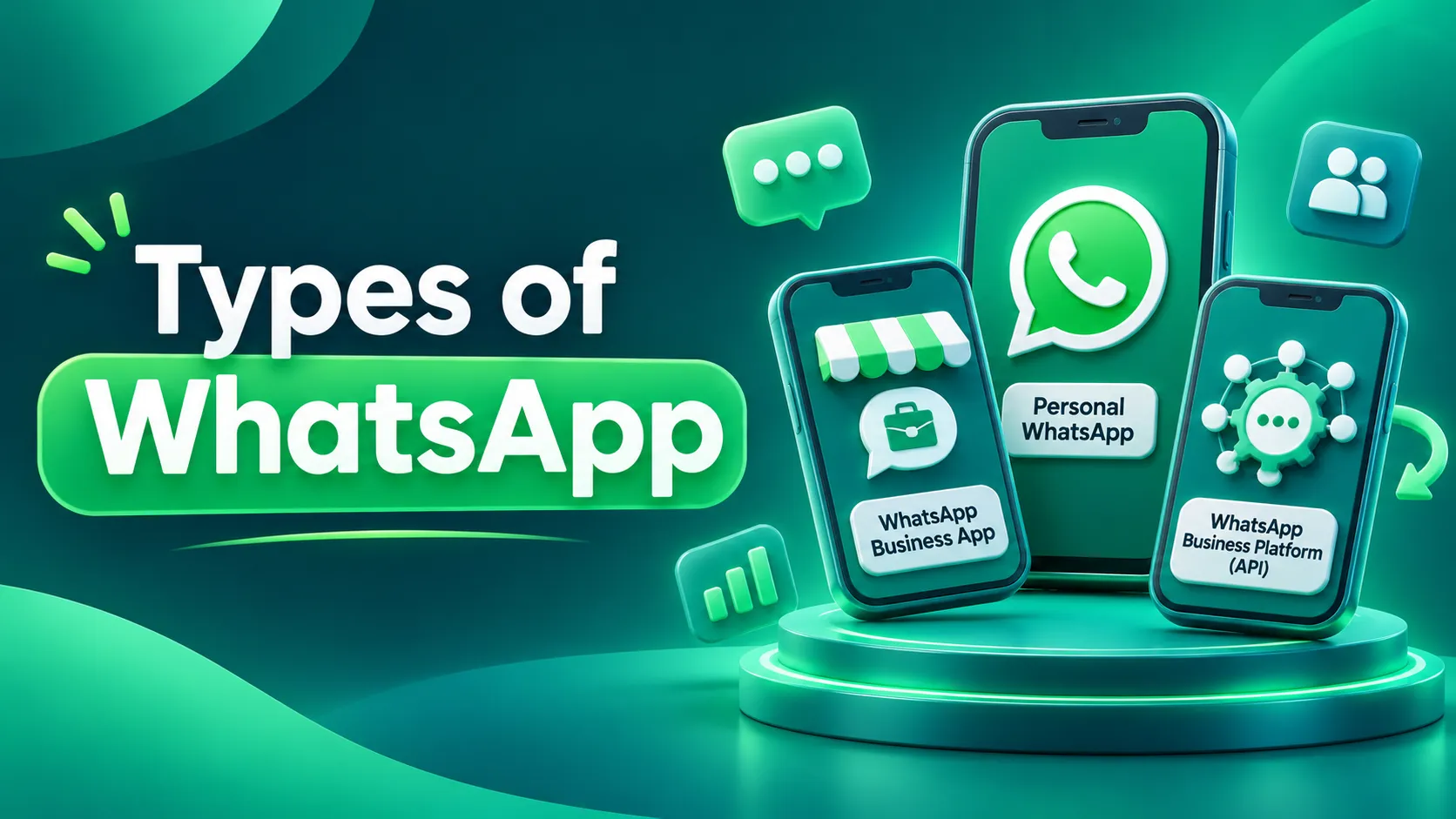
If you want a quick answer to how many types of whatsapp exist, here it is. There are four official versions:
WhatsApp Messenger for personal chats
WhatsApp Business App for small businesses
WhatsApp Business Platform for larger businesses that need automation
WhatsApp Web and Desktop for using WhatsApp on a computer
Apart from these, you will also find modified apps like GB WhatsApp and WhatsApp Plus on the internet. These are not made by WhatsApp. We will cover them in their own section below, because there are some real risks you should know about.
1. WhatsApp Messenger: The One Everyone Knows
WhatsApp Messenger is the regular app you already have on your phone. It is free, and it is tied to one phone number.
You can send texts, voice notes, photos, videos and documents. You can make voice and video calls, join groups and Communities, and post a Status that disappears after 24 hours. Your personal chats and calls are protected with end-to-end encryption, which means only you and the person you are talking to can see them.
This version is perfect for family groups, friends, college groups and everyday chatting. Where it falls short is business. It has no business profile, no product catalog and no quick replies.
Here is a simple example. Say you bake cakes at home and take orders on your personal number. At first, that worked fine. But once 30 or 40 people ask about prices and delivery every day, family messages and customer orders get mixed up, and orders get missed. That is the moment to move to the next version.
2. WhatsApp Business App: Made for Small Businesses
The WhatsApp Business App is a separate app that you download on its own. It is also free, and it looks a lot like the regular app. The difference is the set of tools it gives you.
Business profile: add your address, opening hours, website and a short description
Catalog: show your products or services with photos and prices
Quick replies: save answers to questions you get again and again
Greeting and away messages: welcome new customers, or tell them you will reply in the morning
Labels: tag chats as "New lead", "Payment pending" or "Delivered"
Broadcast lists: send one message to many people, up to 256 contacts in one list
It suits small shops, boutiques, salons, tutors, freelancers, home bakers and clinics, where one or two people handle all the customer chats.
The limit is that it works on one number and mostly from one phone. You cannot add a proper chatbot or connect it to a CRM. If five or six people need to reply from the same number, it starts to feel tight.
3. WhatsApp Business Platform: For Bigger Businesses
When a business grows, one phone is no longer enough. This is where the WhatsApp Business Platform comes in. You may also hear people call it the WhatsApp Business API or Cloud API. Among all types of WhatsApp, this is the most powerful one.
The most important thing to know is that this is not an app you can download from the Play Store. It is a system that you connect to your own software through an official Business Solution Provider (BSP) or through Meta's Cloud API. You then use it through a dashboard, a CRM or a team inbox.
With it, you can:
Let your whole team reply from a single number
Set up chatbots and automatic replies
Send notifications and campaigns using approved message templates
Connect WhatsApp with your CRM, online store or payment system
Send order confirmations, appointment reminders and OTPs automatically
Track conversations and get reports
Apply for the verified (blue tick) badge, if your business is eligible
It is a good fit for online stores, schools and colleges that get thousands of queries during admissions, clinics with many branches, finance companies, real estate firms and any company with a full sales or support team.
A few things to keep in mind. It is not free. You pay per message, depending on the message category, and your provider may charge its own fees. Every template message needs approval from Meta. Pricing also changes from time to time, so check the current rates before you sign up. If you are planning to move to this level, working with a provider like Anantya.ai can save you a lot of technical trouble.
4. WhatsApp Web and Desktop: WhatsApp on Your Computer
Many people think WhatsApp Web is a different account. It is not. It simply lets you open your existing account on a computer. WhatsApp Web runs in your browser, while WhatsApp Desktop is an app you install on Windows or Mac.
Logging in is easy. A QR code appears on the computer screen. On your phone, open WhatsApp, go to Linked Devices, tap Link a Device and scan the code. Your chats show up on the computer right away. You can link up to four extra devices with one phone.
It is useful when you want to type long messages with a keyboard, reply while working on something else, or send a PDF or invoice straight from your laptop. One tip: if you use it on a shared or public computer, always log out when you are done.
5. GB WhatsApp and WhatsApp Plus: Are They Safe?
This is the topic people search for the most, so let us be direct.
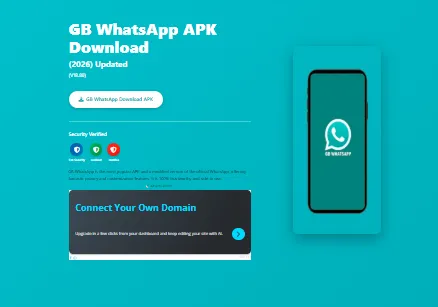
GB WhatsApp and WhatsApp Plus are not official WhatsApp products. They are modified versions made by third-party developers. People like them because they offer extras, such as two numbers on one phone, custom themes and fonts, hiding your last seen or blue ticks, and sending bigger files. It sounds tempting, but the risks are serious.
Your account can get banned. WhatsApp has said that these unofficial apps break its Terms of Service. Users have been hit with temporary bans first, and permanent bans can follow. That means you could lose your real number.
Security is a big concern. These apps are not on the Play Store or App Store. You have to download an APK file from some website. Neither Meta nor Google reviews them, and several modded apps have been linked to malware and data theft.
You cannot trust privacy. The end-to-end encryption promise applies to the official app. In a modded app, nobody can verify it. Your chats, photos and even OTPs could be exposed.
They are a bad idea for business. If your business number gets banned, you lose your customer contacts and chat history in one go.
The good news is that you can get most of these features safely. If you want two numbers, install Messenger and the Business App side by side. For auto replies, labels and a catalog, the Business App has them. For large-scale automation, there is the Business Platform. If you are using GB WhatsApp or WhatsApp Plus right now, back up your chats and switch to the official app as soon as you can.
All Versions at a Glance
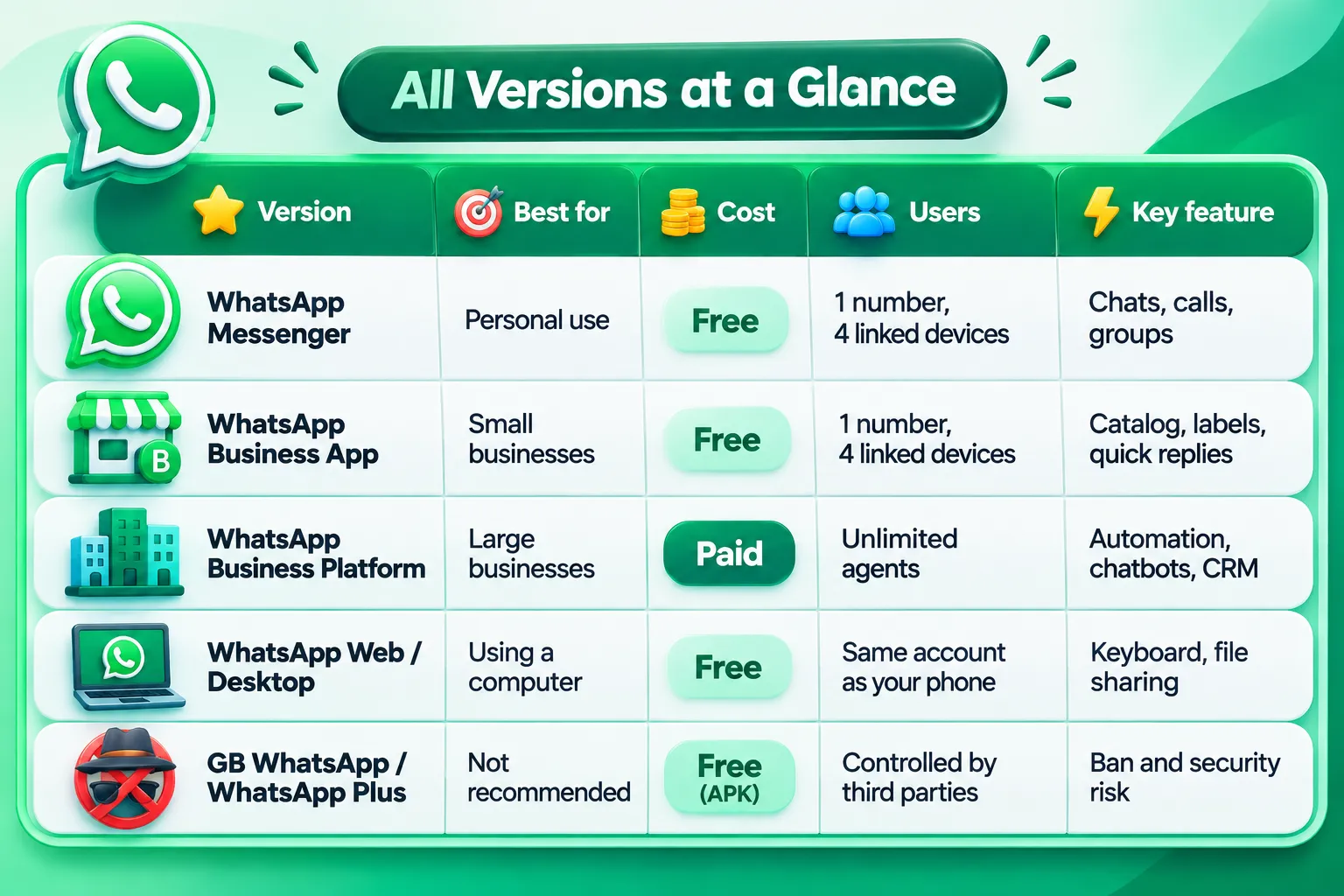
Which WhatsApp Should You Use?
With so many different types of WhatsApp to choose from, the right pick depends on what you do with it every day.
Students, employees and families: WhatsApp Messenger is all you need. If you work on a laptop, add WhatsApp Web.
Shop owners, freelancers, tutors and home sellers: use the WhatsApp Business App. It is free, and the catalog and quick replies save a lot of time.
Growing startups with two to five people replying: start with the Business App. Once messages pile up and the team needs to reply together, move to the Business Platform.
E-commerce brands, schools, hospitals and finance companies: the Business Platform is the right choice. Order updates, reminders, chatbots and CRM links are part of daily work for you.
Anyone thinking about GB WhatsApp or WhatsApp Plus: please don't. Use the official options above instead.
Bonus: How to Create a WhatsApp Link and QR Code
If you run a business, you can create both a WhatsApp link and a QR code. This way, customers can message you without saving your number first.
WhatsApp link: the format is https://wa.me/919355249992. Here, 91 is the country code, followed by your 10-digit number with no plus sign or zero. You can add ?text=Hello at the end to prefill a message. Put this link in your Instagram bio, website or Google Business Profile.
QR code: in the WhatsApp Business App, go to Tools and open Short link or QR code. Download the QR and print it on your shop poster, visiting card or menu. When a customer scans it, a chat with you opens right away.
Final Thoughts
Now you know what all types of WhatsApp are and what each one is built for. Use Messenger for personal chats, the Business App for a small business, the Business Platform for automation at scale, and Web or Desktop when you work on a computer. GB WhatsApp and WhatsApp Plus may look exciting, but the risk to your number and your data is just not worth it.
The best version is the one that fits the way you work, without being too little or too much. And if you want to take your business to the next level on WhatsApp, talk to a provider like Anantya.ai about the Business Platform.
Frequently Asked Questions
Comments (0)
No comments yet. Be the first to share your thoughts!
Leave a Reply
Your email address will not be published. Required fields are marked *