



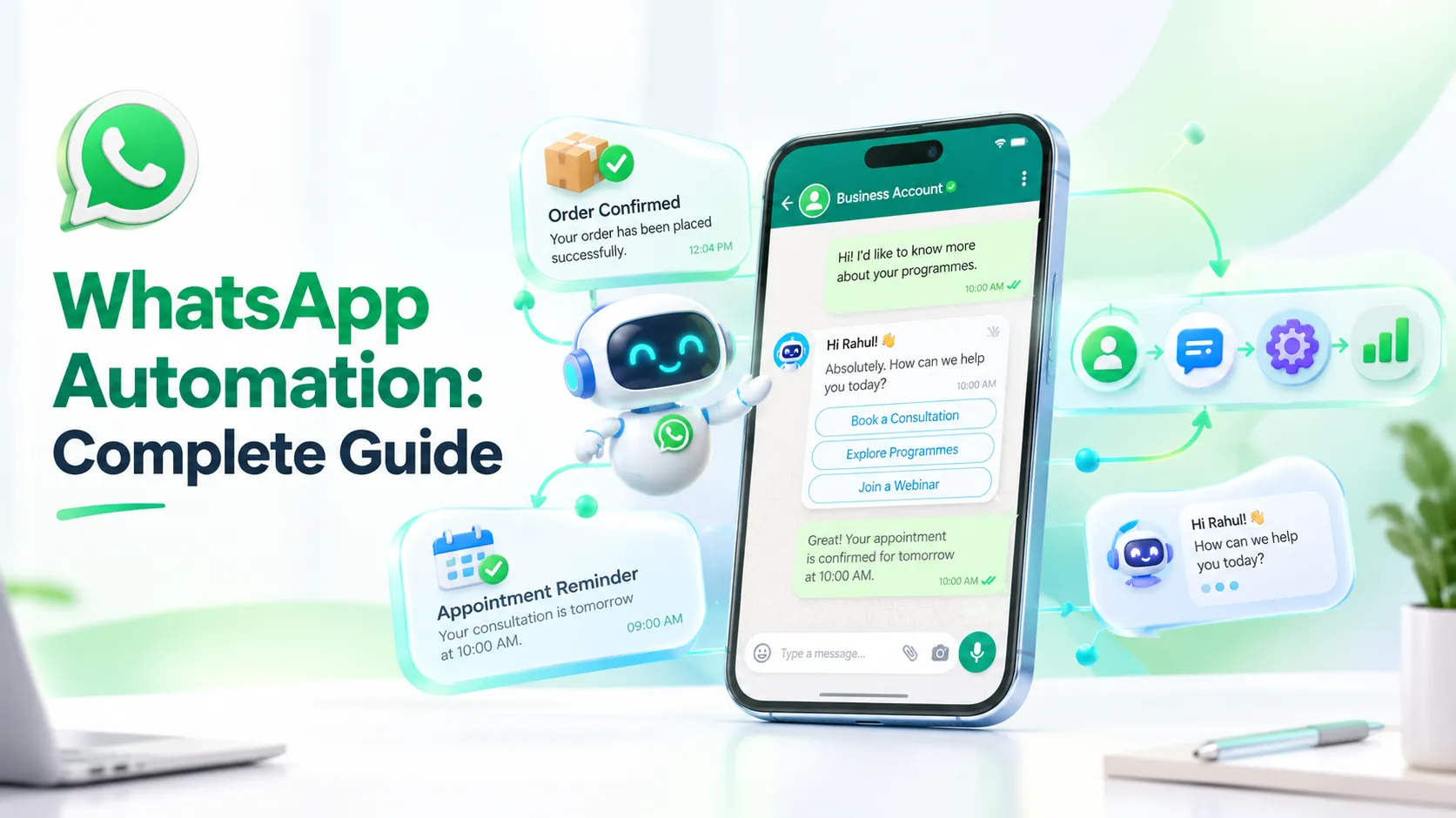
Every business that talks to customers on WhatsApp eventually hits the same wall. The same five questions arrive fifty times a day. Someone forgets to send a payment reminder. A hot lead messages in at 11 PM and gets a reply the next afternoon, by which time they've bought from a competitor. Support inboxes pile up and every reply still has to be typed by hand.
None of this happens because teams are careless it happens because manual messaging simply doesn't scale with the conversation volume WhatsApp generates. This is the gap WhatsApp automation is built to close: not by replacing human conversation, but by handling the repetitive, predictable, time sensitive parts of it, so people can focus on conversations that actually need a human touch.
This guide covers what WhatsApp automation means, how it works, the difference between the WhatsApp Business App and the WhatsApp Business Platform, and how businesses use automated messages, scheduling, chatbots, WhatsApp Flows, and marketing workflows to run leaner operations. You'll find a step by step implementation plan, real industry workflows, a tool checklist, honest limitations, best practices, and FAQs including exactly how to automate WhatsApp messages for your own business.
What Is WhatsApp Automation?
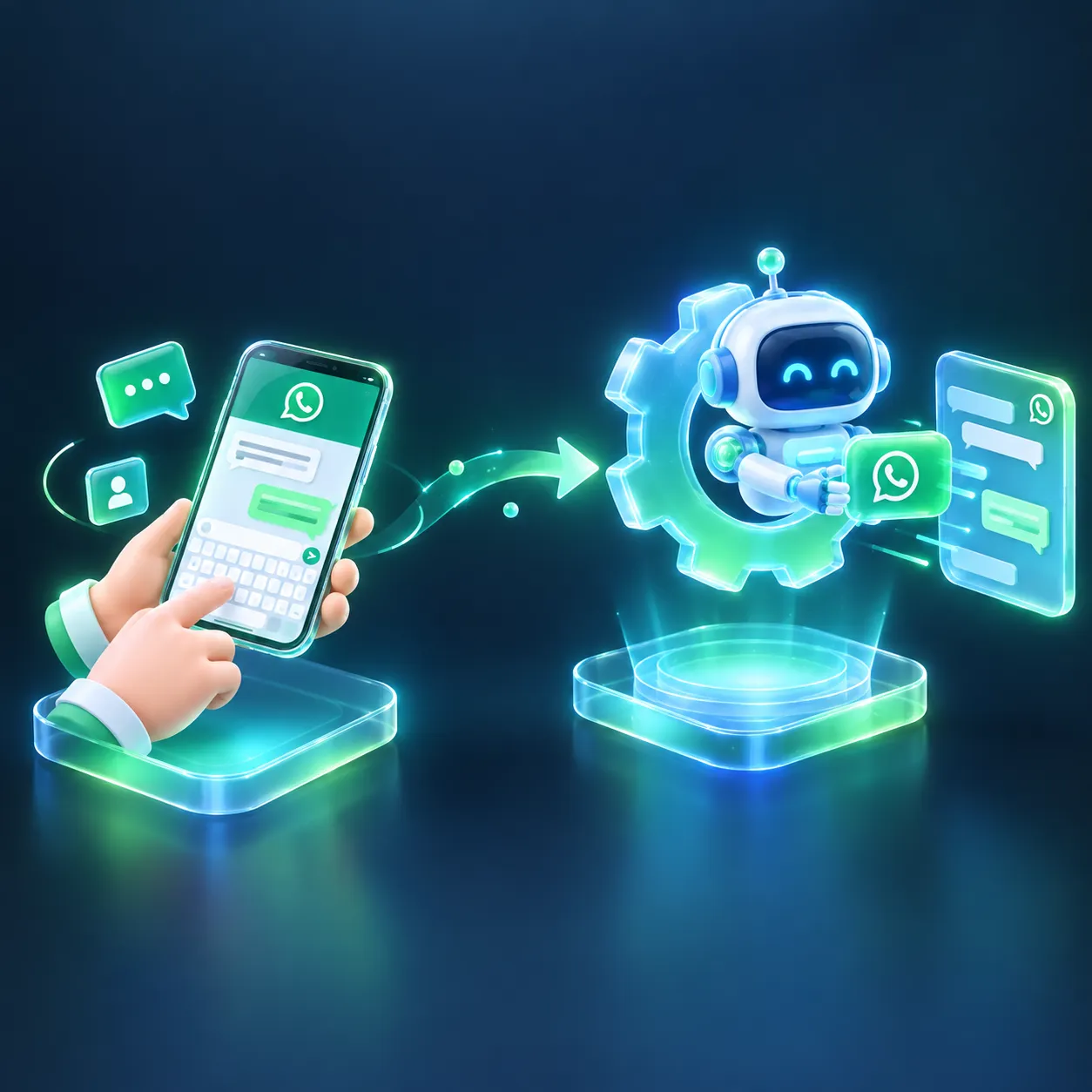
At its simplest, WhatsApp automation means using software rather than a person at a keyboard to send, receive, and manage WhatsApp conversations based on triggers, schedules, or rules. Instead of an agent typing "your order has shipped" to every customer, a system detects the status change and sends that message instantly and consistently, every time.
The difference between manual and automated communication comes down to what happens after a customer takes an action. Manually, a person has to notice the action, decide what to say, and type it. With automation, the action itself becomes the trigger, and a pre approved message goes out on its own.
Take a simple example: a customer submits an inquiry on a website form. The system detects the event, matches it to a rule, and instantly sends a WhatsApp welcome message with a qualifying question. The reply either continues the automated flow or routes to a salesperson no one had to watch the form in real time.
This covers trigger based communication, scheduled communication, and rule based workflows spanning automated replies, notifications, support, marketing, lead follow ups, and transactional messages. For any business handling whatsapp messaging for business at real volume, this shift from manual to automated is usually where response times improve and fewer things fall through the cracks. Done well, whatsapp business automation doesn't feel mechanical to the customer it feels prompt.
How Does WhatsApp Automation Work?
Behind the scenes, most automation follows a simple flow: Customer action → Trigger → Business system → Automation rule → WhatsApp message → Customer response → Next action.
In plain terms: a trigger is the event that starts things off a new lead, a payment, a booking, an abandoned cart, or just a scheduled time. Customer data, usually from a CRM, tells the system who this person is and what stage they're at. The workflow is the sequence of steps and conditions the automation follows. The message template is the pre-approved content, often personalized with a name or order number. The API or platform is the technical layer connecting your systems to WhatsApp. Bot logic decides what happens next based on replies, human handoff brings in a real person when needed, and analytics tells you if it's actually working.
In practice: a new lead gets an instant reply, an order triggers a confirmation, a payment triggers a receipt, a booking triggers a reminder, a cart abandonment triggers a nudge, and a common question triggers an instant answer. None of it needs a person watching in real time that's the whole point of WhatsApp automation.
WhatsApp Business App vs WhatsApp Business Platform: Which One Is Better for Automation?
This is usually the first fork in the road, and picking wrong means outgrowing your setup within months.
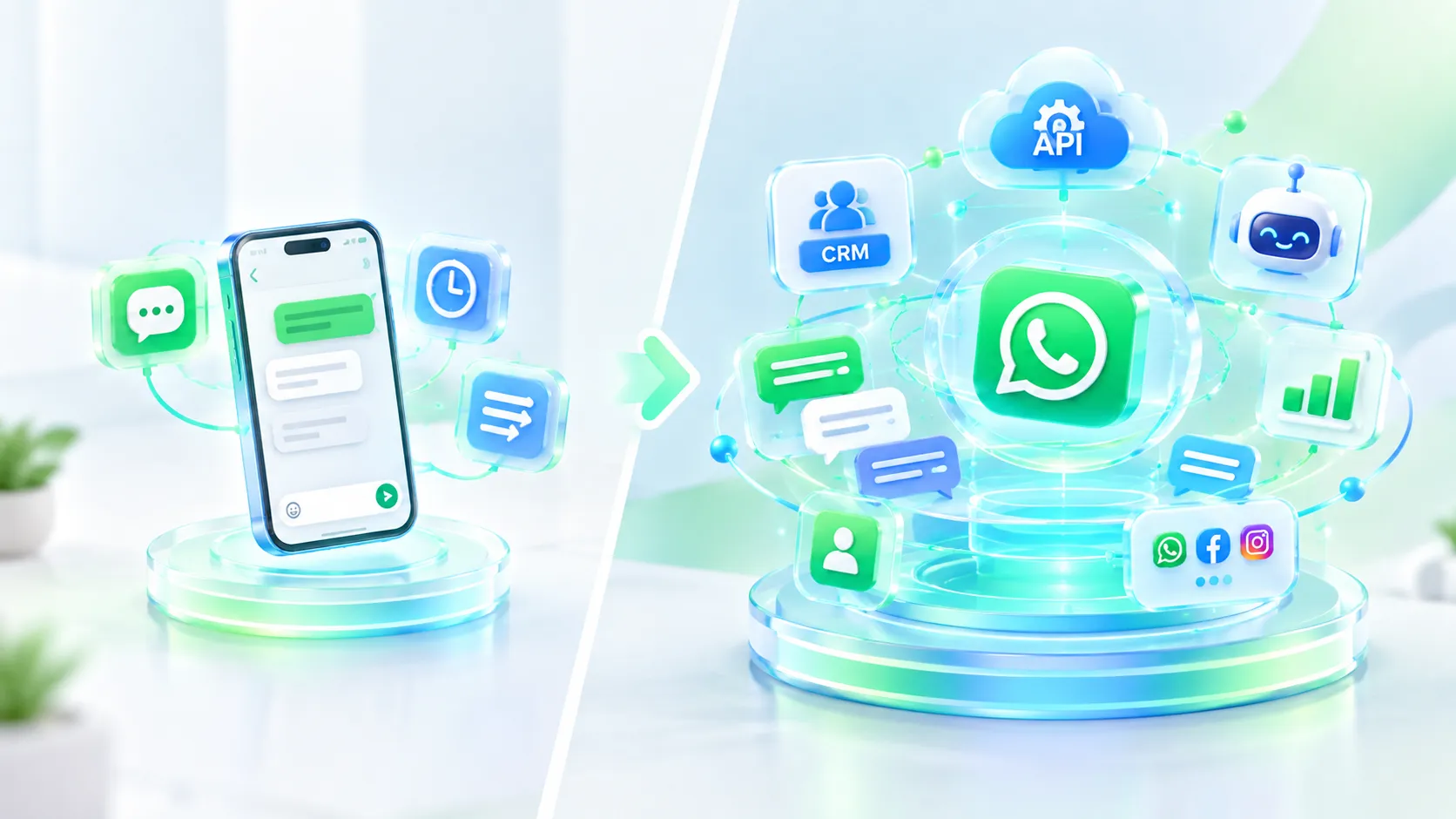
The WhatsApp Business App is the free app built for small businesses. It offers greeting messages, away messages, quick replies, and a basic profile with hours and catalog genuinely useful for a solo owner or small team, but mostly manual or semi automated. There's no workflow builder, no CRM connection, and no team inbox, so it becomes limiting fast once volume grows.
The WhatsApp Business Platform (the WhatsApp Business API) is built for scale. It supports API based messaging, approved templates, chatbots, CRM integrations, a shared team inbox, campaign broadcasting, lead routing, and analytics. This is where real whatsapp business automation happens full customer journeys running with minimal manual input.
A small local shop can usually get by on the Business App. Growing businesses, e-commerce companies, education providers, healthcare organizations, financial services firms, and any team with more than a couple of agents will need the Platform to build workflows that genuinely scale.
WhatsApp Automation Features Businesses Can Use
Once you're on the Business Platform, several features come into play.
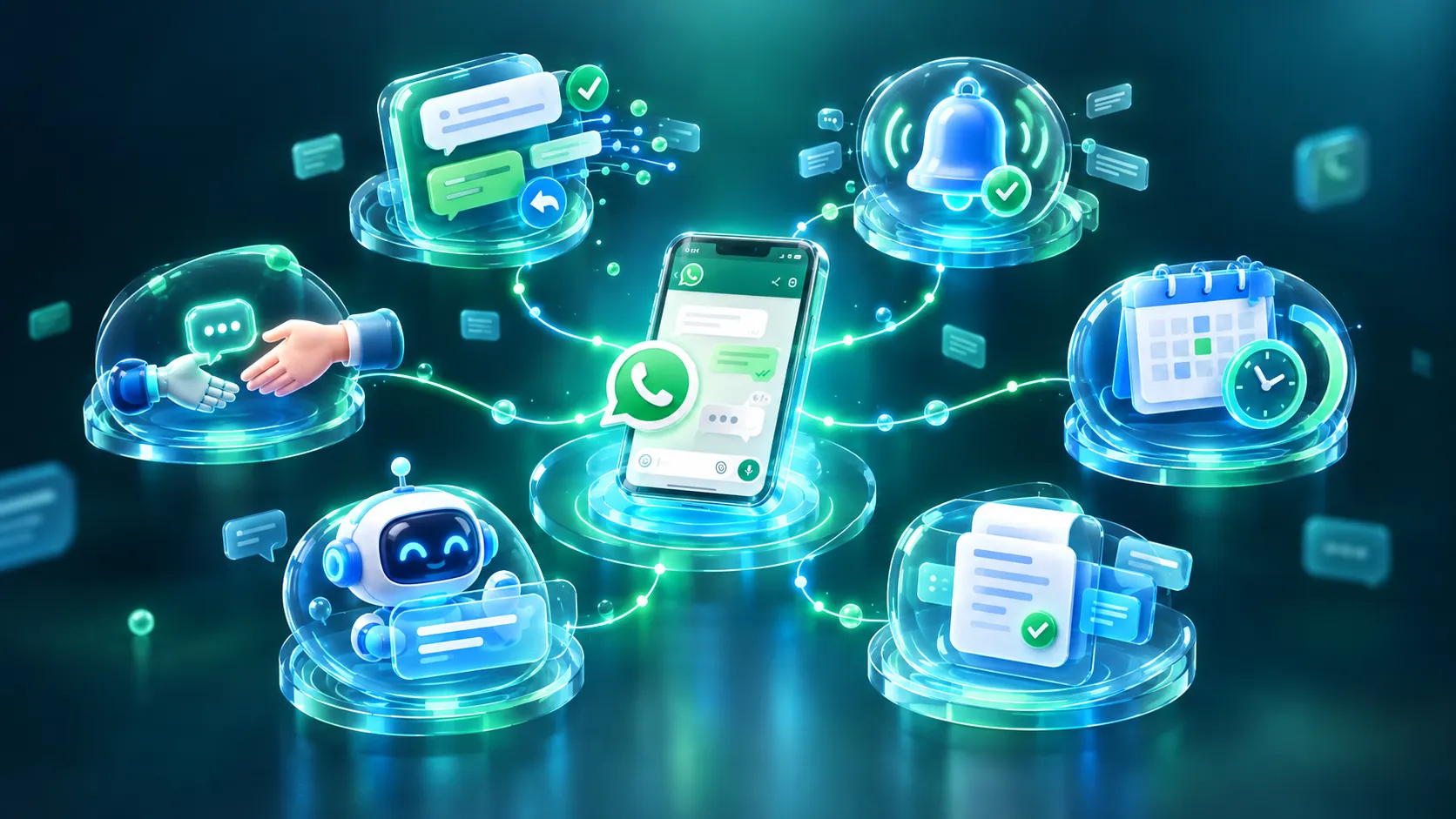
Automated replies handle greetings, away messages, FAQs, and instant acknowledgments before a human joins. Automated notifications cover order confirmations, payment confirmations, shipping updates, appointment reminders, and renewal reminders usually the first whatsapp business automated messages a business sets up, since they're low risk and cut "where's my order" volume immediately. These early whatsapp business automated messages are also the easiest way to prove the value of automation to a skeptical team.
WhatsApp message scheduling deserves particular attention, since it's underused by teams just starting out. It means setting a message to go out at a future time or after a delay a reminder the evening before an appointment, a follow up 48 hours after a quiet sales chat, a payment reminder days before a due date, or a re engagement message after a period of inactivity. Good WhatsApp message scheduling turns a reactive team into one that reaches out at exactly the right moment without anyone tracking dates by hand.
Templates are required for business initiated messages outside a live conversation window; once approved, they can be personalized with variables so each message still feels specific. Interactive messages buttons, lists, quick actions let customers respond with a tap instead of a full sentence, useful for appointment slots, product selection, and support menus.
A whatsapp business bot can be simple and rule based ("press 1 for sales") or more conversational, pulling answers from a knowledge base. Most businesses start with rule based WhatsApp chat automation and add conversational depth only where genuinely needed the goal of any whatsapp business bot should be resolving simple questions quickly, not pretending to be human. WhatsApp Flows go a step further, running structured multi step journeys in one conversation appointment booking, lead qualification, or product selection through to checkout support instead of a scattered back and forth.
Finally, human handoff matters as much as any automated feature. Complaints, unusual requests, and high value conversations still need a person, and good design includes a clear point where the bot recognizes it's out of its depth and passes the conversation over, with full history intact.
How to Automate WhatsApp Messages: Where to Start
Before the full build out below, it's worth answering the question most business owners actually ask: how to automate whatsapp messages without hiring a developer or rebuilding every system at once. The honest answer is you don't automate everything on day one you pick one repetitive, high volume conversation, automate that first, and expand from there.
Step by Step: How to Automate WhatsApp Messages
1. Define the goal. Are you trying to generate leads, cut support workload, send reminders, recover abandoned carts, or run campaigns? Each goal points to a different first workflow.
2. Choose App or Platform. Light volume can stay on the free app for now; expect growth or need real workflows, go straight to the Platform.
3. Set up your business number. Your verified name, profile, and category become your identity get this right early.
4. Select an automation tool. This is where most of the real decision making happens, since the right WhatsApp automation tool determines how much you can build yourself. Look for a workflow builder, templates, scheduling, chatbot capability, CRM integration, a team inbox, segmentation, and analytics.
5. Build the workflow. Map it out before building: Trigger → Condition → Message → Customer Action → Next Step. Example: cart abandoned → wait 3 hours → reminder → purchase or second reminder next day.
6. Write the message. Keep it short, personalize with real data, and always give a clear next step.
7. Add segmentation. New leads, existing customers, high value customers, repeat buyers, and inactive customers shouldn't all get the same message.
8. Test it. Check accuracy, timing, links, buttons, variables, handoff, and opt out handling before going live.
9. Launch and monitor. Track delivery, read rate, response rate, conversion, and drop off points once it's running.
Businesses that successfully automate whatsapp messages treat this as ongoing the first version of a workflow is rarely the final one.
WhatsApp Automation Use Cases for Businesses
Lead generation captures leads straight from WhatsApp conversations started via a website widget, ad, or QR code, logging them into a CRM instantly. Lead qualification asks a short set of automated questions before a lead reaches a salesperson. Customer support handles FAQs and status checks through WhatsApp chat automation, with automatic escalation for anything complex, and this same WhatsApp chat automation approach also powers most self service order status and account queries.
Appointment booking and reminders help clinics, salons, hospitals, and consultants cut no shows. Order and delivery updates run a clean sequence from placed to dispatched to delivered without a single manual message. Abandoned cart recovery sends a timed nudge when a customer leaves without checking out, often recovering sales that would otherwise be lost.
Payment reminders cover subscription renewals, invoices, and EMI due dates ahead of deadlines. Feedback requests sent right after a purchase capture far more responses than waiting for customers to volunteer them. Marketing campaigns bring in whatsapp marketing automation segmented, personalized broadcasts for promotions and product announcements. Re engagement flows identify inactive customers and send something genuinely relevant rather than generic.
Automation also supports internal notifications instant sales team alerts for new leads or escalations and full e-commerce communication, from catalog browsing to cart recovery and post sale support, which is often where businesses run the highest volume of whatsapp business automated messages of any use case. Across nearly all of these, the underlying pattern of whatsapp messaging for business stays the same: a real customer action triggers a timely, relevant reply.
WhatsApp Marketing Automation: How Businesses Can Scale Campaigns
There's a real difference between manually broadcasting to an entire list and running structured whatsapp marketing automation. Manual marketing means someone drafts a message and sends it to everyone. Automated marketing means the system decides who gets what, and when, based on actual behavior through audience segmentation, campaign triggers, scheduled sends, and follow up sequences that adapt to whether a customer responds.
A solid WhatsApp marketing automation setup includes product recommendations based on past purchases, re-engagement for dormant customers, offers sent only to segments likely to act, and communication that shifts tone from onboarding through loyalty. None of it works if it becomes an excuse to message people more often the goal should be relevance and permission, not volume. A customer who unsubscribes over irrelevant messages is a bigger loss than one you message slightly less.
WhatsApp Automation Tools: What Should Businesses Look For?
Choosing a WhatsApp automation tool is arguably the decision that determines how smoothly everything else goes. A practical checklist:
WhatsApp Business Platform support, not just the basic app
A no code or low code workflow builder
Template management and approval tracking
Reliable message scheduling and broadcast tools
Chatbot builder, rule based and conversational
CRM and third party integrations
A shared team inbox and contact management
Segmentation, analytics, and click tracking
Clear human handoff functionality
API and webhook access, plus data security safeguards
Needs shift with size: small businesses mostly need simplicity templates, scheduling, a basic bot. Mid size businesses need CRM integration and multi agent inboxes. Enterprises need advanced workflow logic and analytics across teams. Anantya.ai is one platform businesses evaluate for this range, combining the Business Platform with workflow automation and campaign tools though it's worth comparing any tool against your own goals rather than a feature list alone.
Benefits of WhatsApp Automation
The advantages go beyond saved time: 24/7 availability, faster first responses, less repetitive work for agents, better team productivity, consistent and accurate information, personalization at scale through templates, faster lead follow up before prospects go cold, a better overall customer experience, higher operational efficiency, stronger lead nurturing, trackable campaigns, easier support for routine queries, real visibility through analytics, and communication that scales without a proportional rise in headcount. Together, this is why growing businesses treat WhatsApp automation as infrastructure rather than a nice to have.
Challenges and Limitations of WhatsApp Automation
It's worth being honest: automation isn't a perfect fix. Poorly worded or badly timed messages can frustrate customers faster than no message at all. Not every problem should go to a bot complaints and high value conversations usually need a human, and weak handoff design leaves customers stuck in loops with no way out.
Connecting automation to a CRM, ERP, helpdesk, and payment systems takes real planning, especially across tools not built to talk to each other. Meta requires template approval for business initiated messages and enforces policies businesses need to respect. Messaging people without consent, or misusing their data, damages trust and can create compliance issues. Relying entirely on one channel is risky, and customer data flowing through automation needs proper access control rather than loosely shared spreadsheets.
Best Practices for WhatsApp Automation
Start with one high value workflow instead of automating everything at once. Keep messages short and personalize where it adds real value. Use customer data responsibly and segment your audience instead of treating everyone the same. Avoid sending messages just because you can, and always give a clear next step along with a path to a human when needed. Test thoroughly before launch, monitor performance afterward, and improve or retire workflows that underperform. Keep templates current, respect opt outs, and review your setup periodically as the business changes. Above all, remember the goal of whatsapp business automation is to assist your team, not replace the judgment only a person can bring and that applies just as much to whatsapp messaging for business overall as it does to any single workflow.
Real World WhatsApp Automation Examples
E-commerce: A customer adds a product to cart, leaves without checking out, gets a timed reminder with a link back to the cart, and receives an automatic confirmation on purchase or a softer second nudge the next day.
Healthcare: A patient asks about an appointment; an automated flow asks which department, offers available slots, confirms the booking, and schedules a reminder for the day before.
Education: A prospective student inquires about a course; the system shares details, asks qualifying questions about background and interest, routes strong leads to a counselor, and follows up automatically if the student goes quiet.
Real Estate: A lead clicks a WhatsApp ad; an automated chat gathers property preference, budget, and location before sharing recommendations and handing off to a sales agent.
Financial Services: A customer asks about a service; an automated step confirms basic identity, shares relevant information, and escalates to a human for anything account specific.
Retail: A customer asks about a product; the bot shares a catalog link, helps narrow the choice, and either completes a simple purchase flow or connects them to a salesperson.
Travel: A booking triggers a confirmation, a scheduled payment reminder if a balance is due, a reminder the day before departure, and support access throughout.
WhatsApp Automation vs Manual Messaging
1. Response Time
Manual Messaging: Depends on agent availability
WhatsApp Automation: Instant, 24/7
2. Volume
Manual Messaging: Limited by team size
WhatsApp Automation: Scales without added headcount
3. Scheduling
Manual Messaging: Manual, error prone
WhatsApp Automation: Built in and reliable
4. Lead Follow up
Manual Messaging: Easy to forget
WhatsApp Automation: Consistent and timed
5. Support
Manual Messaging: Limited by agent hours
WhatsApp Automation: Handles routine queries continuously
6. Analytics
Manual Messaging: Inconsistent
WhatsApp Automation: Built in reporting
7. Cost per Conversation
Manual Messaging: Rises with volume
WhatsApp Automation: Falls as volume grows
Neither approach is universally better most mature businesses run both side by side, automating the predictable and reserving people for the rest.
WhatsApp Automation vs WhatsApp Marketing Automation
The two terms overlap but aren't identical. WhatsApp automation is the broader category support, notifications, chatbots, appointment workflows, internal alerts, and marketing, all triggered or scheduled by software rather than typed manually. Whatsapp marketing automation is a subset focused specifically on campaigns, segmentation, promotional broadcasts, and re engagement aimed at sales or engagement. If your goal is purely better campaigns, look for marketing automation specifically; if it spans support and operations too, you need the fuller picture.
How Anantya.ai Helps Businesses Automate WhatsApp Communication
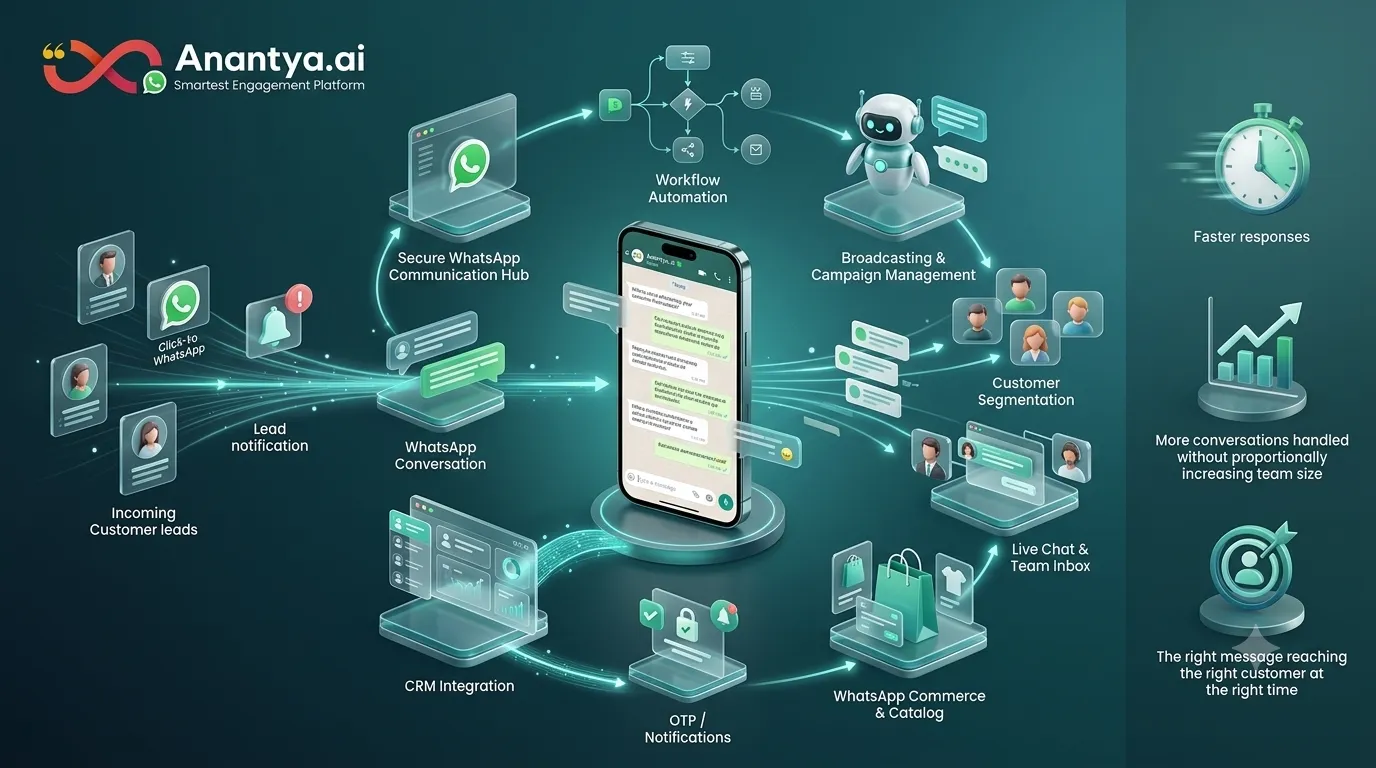
Anantya.ai provides the WhatsApp Business API alongside workflow automation, a chatbot builder, broadcasting and campaign management, segmentation, a live chat and team inbox for human handoff, WhatsApp Commerce and catalog support, and integrations that connect conversations to existing CRM systems. It also supports Click-to-WhatsApp Ads, so leads from ad campaigns land directly in an automated conversation, along with notification use cases like OTPs where relevant.
The point isn't the feature list it's the outcome: fewer conversations falling through the cracks, faster responses without a proportionally larger team, and marketing that reaches the right customer at the right time. Businesses can evaluate the WhatsApp Business API, WhatsApp marketing and broadcasting, or the WhatsApp chatbot individually or as a connected setup, depending on where they're starting from.
Conclusion
WhatsApp automation isn't about replacing every human conversation it's about making sure the repetitive, predictable, time sensitive parts of communication happen reliably, so your team's time goes toward conversations that genuinely need a person. The businesses that get the most out of it don't automate everything at once; they start with one clear workflow, get it right, and expand.
The formula worth remembering: the right trigger, the right audience, the right message, the right timing, and human support whenever a conversation calls for it. If you're still figuring out how to automate whatsapp messages for your own business, the practical starting point is your highest volume repetitive conversation, not a complete overhaul. Anantya.ai works with businesses across e-commerce, healthcare, education, and financial services to build exactly these workflows for marketing, sales, support, and everyday notifications and is worth exploring whenever you're ready to move past manual messaging.