


Table of Contents:
- Introduction
- Why Privacy & Safety Matter on WhatsApp for Businesses
- Business Risks: Account Bans, Lost Trust, Fines
- WhatsApp Spam Rules — What Businesses Must Not Do
- Examples of Spammy Messages (Prohibited Content)
- Message Templates vs Conversational Messages — What’s Allowed?
- Customer Consent: How to Get and Record Opt-Ins
- Privacy & Data Handling — What Businesses Should Protect
- Security Best Practices for WhatsApp Business Accounts
- Regional & Legal Considerations
- Common Problems & Troubleshooting
- Conclusion & Next Steps
- FAQ’s
WhatsApp Privacy & Safety for Business — Spam Rules, Customer Consent & Simple Compliance
Introduction
Understanding WhatsApp privacy for business and WhatsApp safety for business from the very beginning helps prevent future account bans and ensures trust with your customers. Making sure your company is secure on WhatsApp is not merely a "good practice" but it is a must. With increasing spam filters, account suspensions, and customer consent rules, WhatsApp privacy for business should be known by every company before even the first message is sent. This manual presents a comprehensive yet simple and user-friendly way to get safety, compliance, consent, banned content, and best practices sorted out.
Why Privacy & Safety Matter on WhatsApp for Businesses
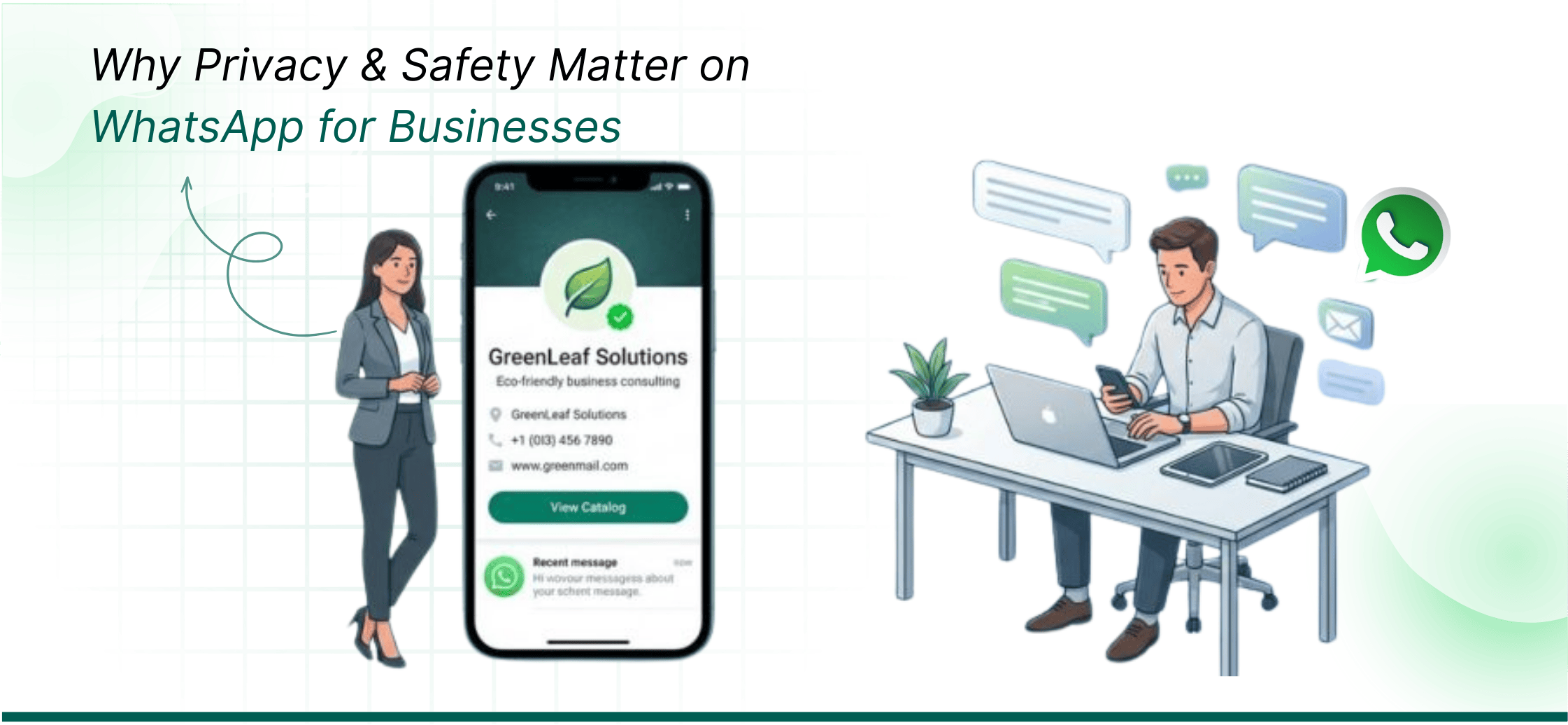
Trust is the foundation of every business. Prioritizing WhatsApp safety for business means implementing proper consent and security measures, while WhatsApp privacy for business ensures that your customer data is handled responsibly. If the customers don’t consider it safe for them to give you their telephone number, you won’t get their replies, sales, or communication. Privacy and safety on WhatsApp secure:
- Your business reputation
- Your customer outreach
- Your account stability
- Your customer’s information
Business Risks: Account Bans, Lost Trust, Fines
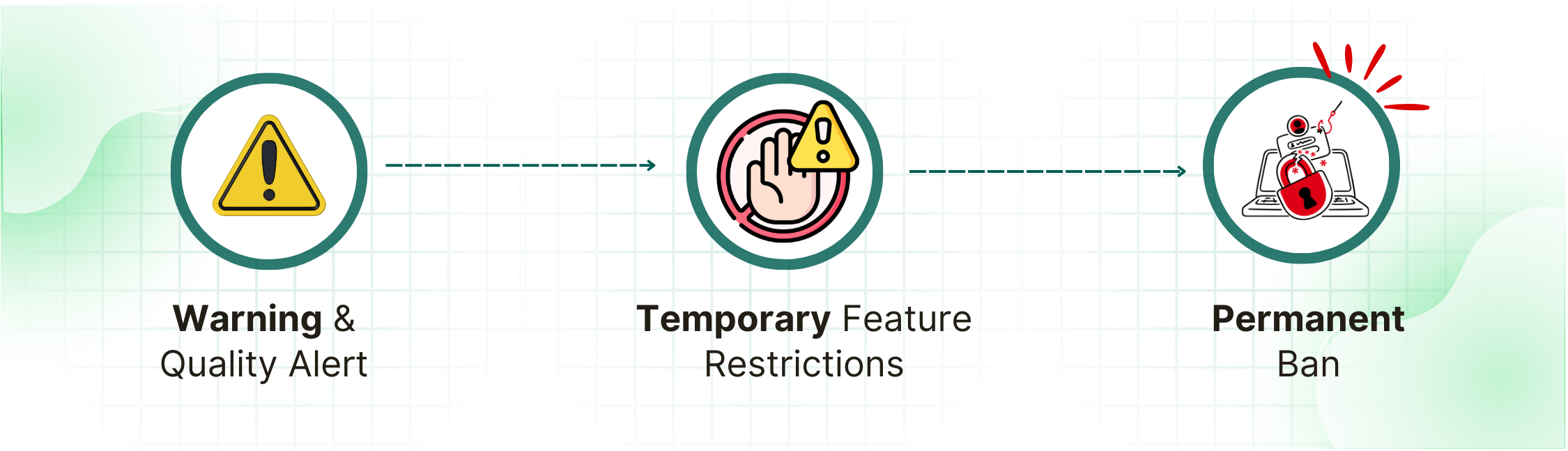
(WhatsApp account ban)
Disregarding the privacy and security rules of WhatsApp can result in:
- A permanent or temporary ban of your WhatsApp account
- Limits on your outgoing messages that lead to messaging delays
- A decline in the quality rating of your WhatsApp API
- Complaints from customers
- Suspended campaigns or templates
- Legal penalties (especially if you operate in EU/GDPR regions)
The good news is that all this can easily be prevented through compliance.
WhatsApp Spam Rules — What Businesses Must Not Do
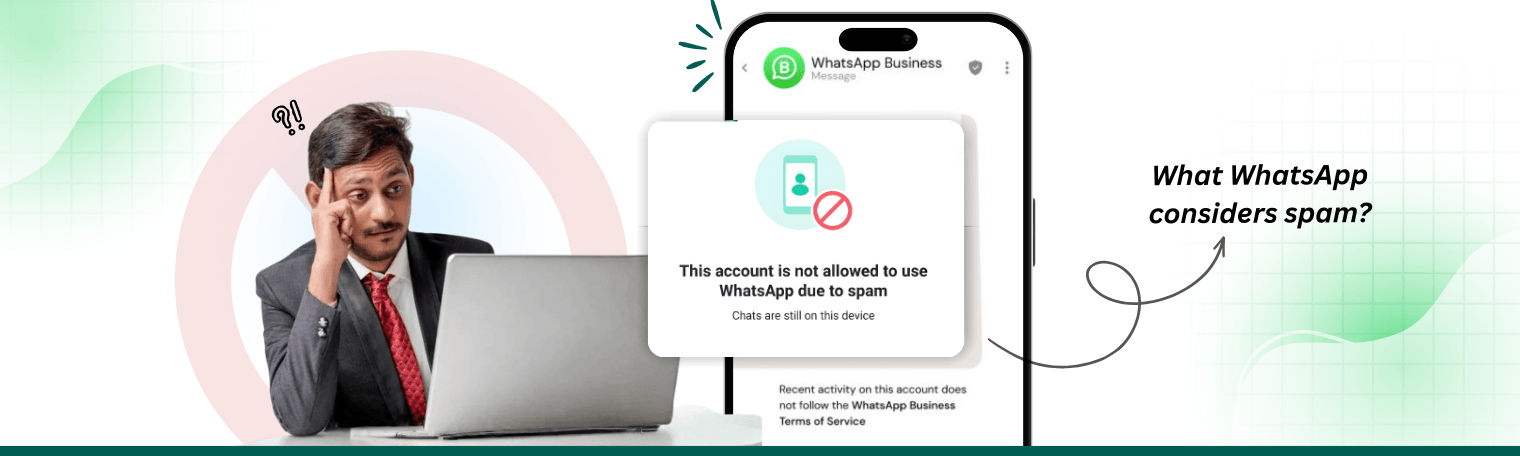
WhatsApp has a very firm policy on spam. The businesses are supposed to interact only with customers who give their consent and also to refrain from employing any sort of tactic that would be considered as annoying or irrelevant.
What WhatsApp considers spam:
- Messages sent without obtaining prior customer approval
- Repeated promotions without proper context
- Pushing Bulk campaigns to random numbers
- Sharing misleading or false information
- Using automatically generated or contact lists obtained through scraping
- Sending messages at strange or disruptive times
Examples of Spammy Messages (Prohibited Content)
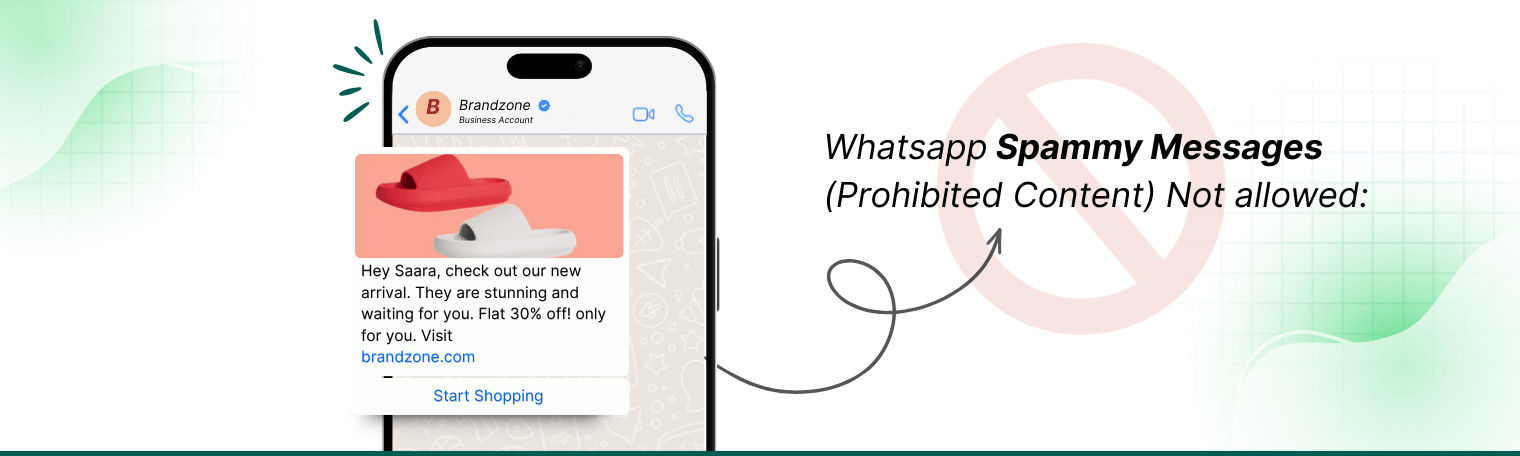
Not allowed:
- “Congratulations! You have won a big prize. Click here.”
- “Buy now — big discount just for you!” (sent without opt-in)
- Debt recovery threats
- Unwanted or unauthorized political messages
- Unproven medical/health claims
- In appropriate content that is sexual, offensive, or otherwise harmful
- Disclosing personal data to third parties
Message Templates vs Conversational Messages — What’s Allowed?
Template Messages (HSM):
- Used for sending notifications, alerts, reminders, OTPs, order updates.
- Must be pre-approved by WhatsApp.
- Require customer CONSENT.
Conversational Messages:
- Chats started by the customer in the 24-hour window.
- You can reply freely, without templates.
NOT allowed:
Marketing templates without consent, misleading templates, or vague promotional lines.
Customer Consent: How to Get and Record Opt-Ins
The fundamental aspect of safety in WhatsApp for business is consent. Following strict WhatsApp privacy for business protocols when collecting customer opt-ins reinforces trust and helps maintain compliance with global regulations.
Without the customer’s permission, no business message can be sent at all.
The customer has to fulfill the following requirements to give valid consent:
- Know that they are opting in
- Know the name of your business
- Know they’ll receive promotional messages on their WhatsApp
- Take an action (checking a box, clicking a button, replying “Yes”)
Easy Opt-In Scripts (Field Sales, Website, Checkout, SMS → WhatsApp)
(few examples of how you can get customer consent / opt in to receive WhatsApp messages)
- Website Opt-In: “By clicking Sign Up, you agree to receive updates on WhatsApp from [Brand Name].”
- Social Media Lead Form: “Select the box to get updates and deals on WhatsApp.”
- Field Sales / Offline Retail: “Can I send your invoice and updates on WhatsApp? Reply ‘Yes’ to confirm.”
- SMS → WhatsApp Opt-In: “Reply with a ‘YES’ to receive delivery updates and support on WhatsApp from [Brand Name].”
Best Practices for Opt-Out and Confirmations
- Include “Reply STOP to unsubscribe” or “Opt Out” button at the end of any promotional templates you send out.
- Remove customers from lists within 24 hours after they have opted out
- Confirm twice if the opt-out message is not clear (“Would you like to stop all WhatsApp messages?”)
- Do not re-add customers unless they provide NEW consent
Privacy & Data Handling — What Businesses Should Protect
Safeguarding customer data is in no way less significant than the sending of compliant messages. Businesses that focus on WhatsApp privacy for business and maintain WhatsApp privacy for business practices can reduce the risk of complaints, penalties, and account suspensions.
Storing Customer Numbers, Personal Data & Data Minimization
Best practices include:
- Only gather information that is absolutely necessary
- Do not keep compromising identification unless it is necessary
- Use encrypted CRM or WhatsApp API platforms
- Limit access to customer lists
- Do periodic cleansing of old/inactive data
- Do not share numbers with unauthorized vendors or by means of spreadsheets
When is it appropriate to share customer data with third parties?
Only share customer data when:
- The third party is an authorised WhatsApp Business Solution Provider (BSP)
- A data-processing agreement is signed
- Data is encrypted and secured
- The customer wants to continue sharing data (e.g., through courier, CRM, marketing platform)
Avoid sharing data with freelancers, unverified agencies, or WhatsApp automation tools that breach compliance.
Security Best Practices for WhatsApp Business Accounts
(WhatsApp security best practices)
Security ensures your account doesn’t get hacked, misused, or taken over.
Two-Step Verification, Admin Controls & Device Management
- Set up two-step verification on all accounts
- Use strong passwords for devices and accounts
- Give admin access only to trusted team members
- Quickly revoke access for ex-employees
- Check Linked Devices regularly
- Use official WhatsApp Business API for multi-agent operations (safer than sharing phones)
Recovering Flagged / Disabled Accounts - Step-by-Step
- Go to Settings → Help → Contact Support
- Choose “My Account Was Banned”
- Submit business details + explanation
- Wait for WhatsApp review (usually 24–48 hours)
- Fix violations before reusing the account
- If using WhatsApp API → raise a ticket with your BSP for faster reinstatement.
Regional & Legal Considerations
Apart from complying with WhatsApp's regulations, businesses are required to observe the local laws as well.
GDPR Basics (EU Customers)

(WhatsApp GDPR compliance)
- Acquire explicit consent
- Allow easy unsubscribe
- Store data securely
- Share data only with authorized vendors
- Delete user data when requested
- During opt-in, provide a link to the privacy policy.
India / UAE / Other Country Notes
India:
- Follow DPDP Act (2023)
- Use consent-based messaging
- Avoid sharing customer numbers publicly
UAE:
- Respect PDPL rules
- Keep transactional vs promotional messaging separate
- Ensure clear opt-out instructions
Other regions:
Always check local data protection laws (e.g., Singapore PDPA, Indonesia PDP).
Common Problems & Troubleshooting
1. Verification Code Not Received (common long-tail search)
- Check network
- Use “call me instead”
- Ensure number isn’t active on another device
- Wait 10 minutes before retry
- Restart phone
- Clear cache
2. Account Flagged as Spam
- Reduce message frequency
- Stop sending unsolicited promotions
- Improve opt-in clarity
- Use high-quality templates only
- Send relevant, timely messages
3. Customer Complaints About Messaging
- Apologise + confirm opt-out
- Check if the customer had valid opt-in
- Update your opt-in scripts
- Adjust your messaging timings
Create Your Anantya.ai Account
Conclusion & Next Steps
WhatsApp gives businesses of all sectors, the best marketing opportunities, but only when used safely and responsibly. With good knowledge of WhatsApp privacy for business, customer consent rules, spam policies, data protection, and compliance, your account will be active, trusted, and future-ready.
So if your business is expanding and you want total security, multi-agent access, and automated compliance, there is only one course of action to take:
Go for WhatsApp Business API.
WhatsApp Business API, the secure, compliant, and high-volume business messaging solution.
Ask customers to agree clearly through website forms, chatbots, SMS, or offline forms. They have to be aware that they are joining WhatsApp messages.
No unsolicited messages, no mass blasting, no misleading content, no scraping numbers, and no promotions without consent.
Get valid opt-in, use approved templates, avoid spam, enable two-step verification, and send relevant content.
Yes, if you message or store data of EU customers. It requires strict privacy and consent rules.
Use secure CRM/API platforms, restrict access, encrypt data, and follow data minimization rules.
Allow simple opt-out (STOP/UNSUB), remove them within 24 hours, and send a confirmation.
Appeal through WhatsApp Support or your API provider, fix violations, and wait for reactivation.
Table of Contents:
- Introduction
- Why Privacy & Safety Matter on WhatsApp for Businesses
- Business Risks: Account Bans, Lost Trust, Fines
- WhatsApp Spam Rules — What Businesses Must Not Do
- Examples of Spammy Messages (Prohibited Content)
- Message Templates vs Conversational Messages — What’s Allowed?
- Customer Consent: How to Get and Record Opt-Ins
- Privacy & Data Handling — What Businesses Should Protect
- Security Best Practices for WhatsApp Business Accounts
- Regional & Legal Considerations
- Common Problems & Troubleshooting
- Conclusion & Next Steps
- FAQ’s