



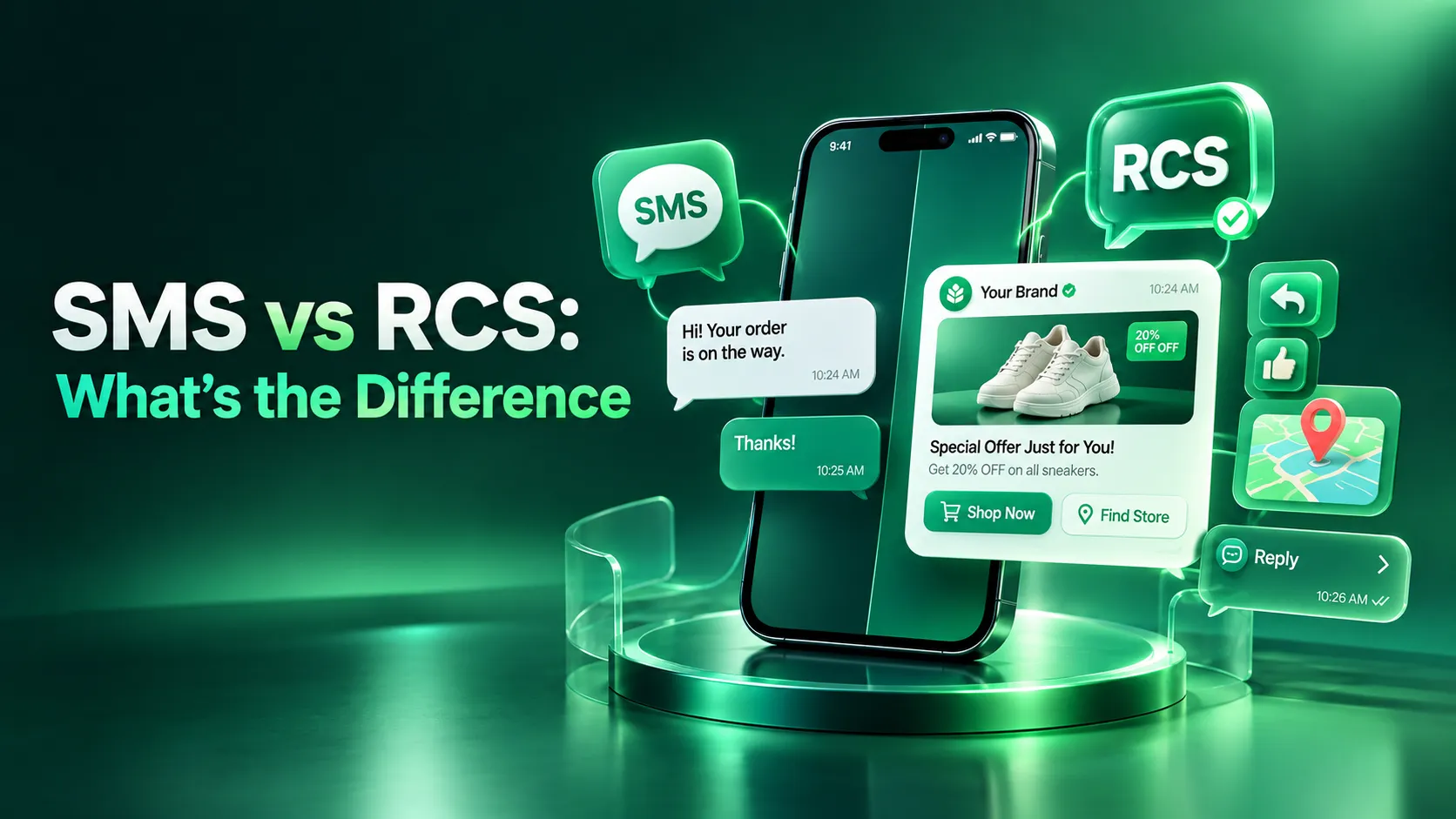
Mobile messaging is still one of the most direct ways for a business to reach a customer. A bank sends a transaction alert, a clinic confirms an appointment, a retailer shares a delivery update, and each lands on a phone the customer checks constantly.
For years, SMS handled most of this work. It is simple, familiar and works on nearly every handset. RCS now offers something different: branded, visual and interactive conversations inside the phone's default messaging app. Businesses are no longer limited to plain text.
That creates a real decision. In 2026, the SMS vs RCS question touches reach, engagement, interaction, automation, cost, reliability and customer experience all at once, and neither answer is automatically right for every company.
This guide goes beyond basic definitions. We explain each technology on its own, compare them from a practical business perspective, and show how small, medium and large companies can decide. The aim is not to crown a winner, but to match the right channel to each message.
SMS and RCS: A Quick History
History explains why the SMS vs RCS discussion exists at all.
How SMS began
SMS stands for Short Message Service. The first text message was sent in December 1992, and early messages were capped at 160 characters. It was built as a simple way for networks to deliver short notes, not as a business tool.
As phones became mass market devices, companies followed their customers: banks sent balance alerts, airlines sent flight updates, and retailers sent offers. OTPs, reminders and delivery notifications soon became routine.
How RCS developed
RCS stands for Rich Communication Services. The idea took shape around 2008 through a GSMA initiative to bring the features of internet chat apps into the phone's built in messaging. Early commercial versions appeared around 2009-2010, but they differed by operator and felt inconsistent.
The GSMA Universal Profile later gave the industry one common specification. Google and mobile operators then expanded availability, and verified business senders turned RCS into a business channel. Apple added RCS to iPhone with iOS 18 in 2024, widening cross platform reach.
What is SMS?
SMS is a text based messaging technology that travels over the mobile network itself rather than the internet. Because it needs no messaging app and no data connection, it can reach almost any phone with cellular coverage.
Messages are plain text, limited to 160 characters per segment, with no native buttons or images. Businesses commonly use it for:
OTPs and login verification
Transaction alerts and banking notifications
Appointment reminders
Delivery updates
Promotional messages
Emergency or time sensitive alerts
SMS remains useful in 2026 because of its reach and reliability. Customers need no particular app, data plan or recent phone. In any SMS vs RCS conversation, that universality is SMS's strongest argument.
Most companies use SMS through an SMS service provider that manages operator connections, sender registration and delivery. An SMS API then lets your website, app or CRM trigger messages automatically, such as an OTP the moment a customer logs in.
What is RCS Messaging?
RCS, or Rich Communication Services, is a richer evolution of traditional texting. It runs over mobile data or Wi-Fi inside the default messaging app, such as Google Messages, so customers install nothing.
Instead of plain text, RCS supports high quality images and videos, suggested replies, suggested actions and location sharing. For businesses, it adds verified branding, Rich Cards, carousels and buttons, so a message feels more like a conversation than a notification.
RCS Business Messaging is the business side of the technology. A brand registers a verified sender, designs rich messages, and sends them through an RCS Messaging Service, usually offered by a platform connected to Google and the operators.
Companies use it for product discovery, offers, appointment booking, support, delivery updates, interactive campaigns, lead generation and guided customer journeys.
One caveat matters. What a customer sees depends on the device, messaging app, operator and market. Business messages on iPhone, for example, still depend on carrier rollout. Treat RCS as a rich layer that works best where support is confirmed, not a guaranteed experience for every contact.
SMS vs RCS: The Core Differences
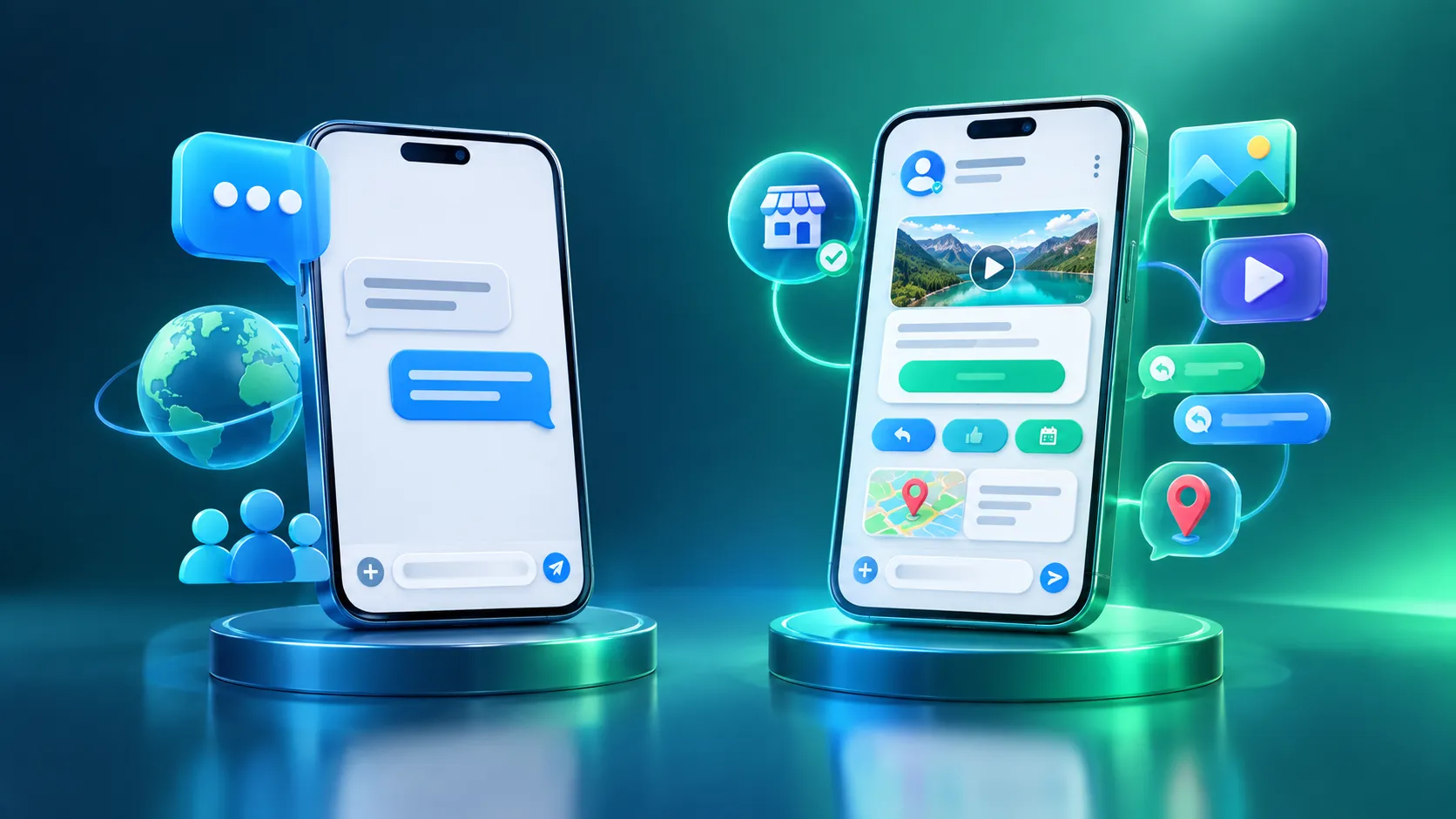
The simplest way to understand SMS vs RCS is this: SMS delivers a message, while RCS can deliver an experience.
SMS is plain text carried by the mobile network. RCS is data based and can carry images, video, buttons and branding, so a customer can tap a reply, open a map or choose a time slot without leaving the chat.
The trade off is reach. SMS works across nearly all phones and networks, while RCS needs a supported device, messaging app, operator and data connection. The table shows what each one means in practice.
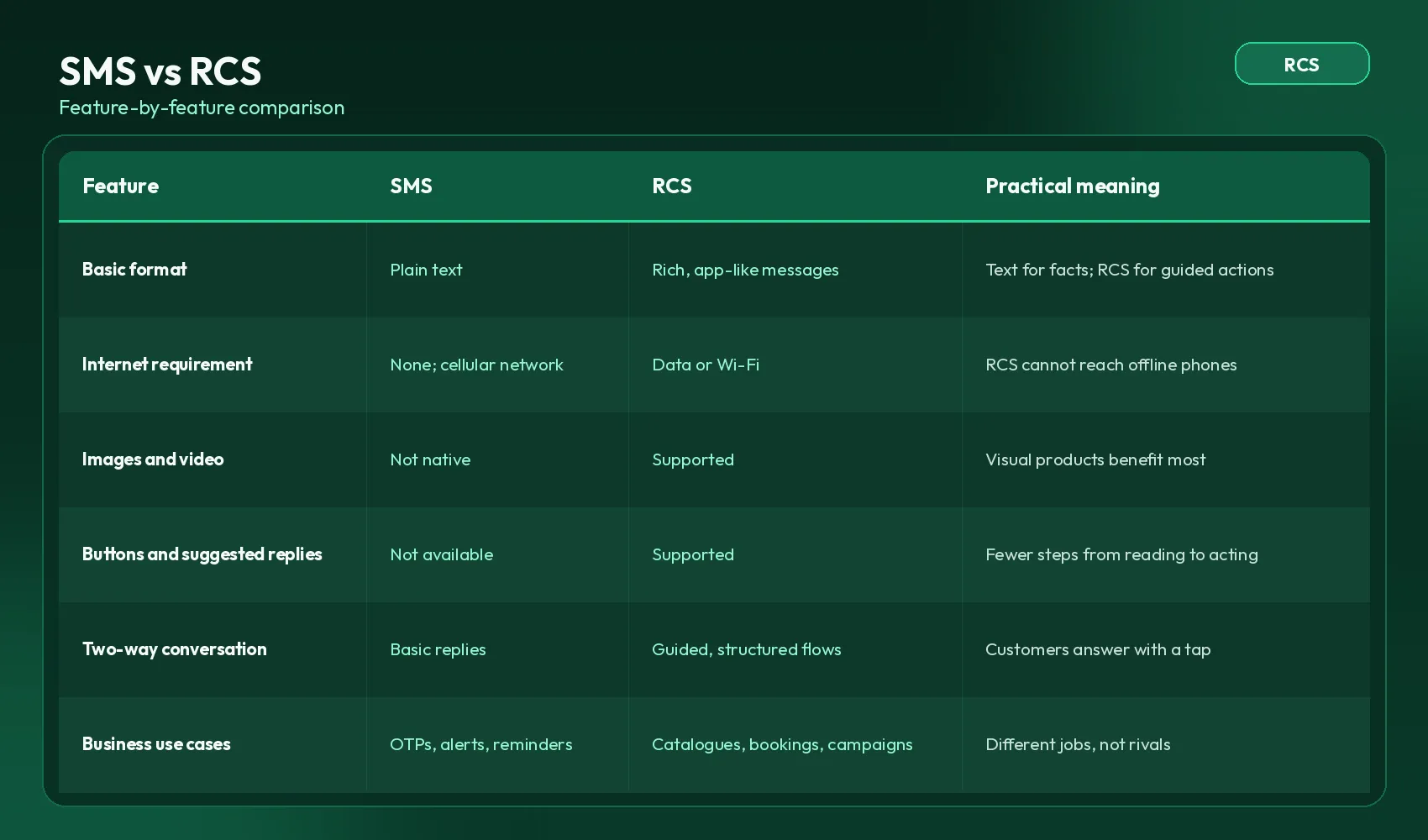
SMS vs RCS for Business Communication
Viewed as a business decision, SMS vs RCS is really about matching each message to its job.
SMS is useful when:
Reach is the main priority
The message is short, like an OTP or transactional alert
Customers may not have RCS, or you need a simple fallback
An SMS API connects a booking tool, payment gateway or CRM to automated workflows, so a confirmation or alert goes out the moment an event happens.
RCS is useful when:
You want richer, visual experiences and products need showcasing
Customers need buttons or suggested actions
Branded messaging or conversational journeys matter
This is where RCS Business Messaging earns its place: a customer sees a product, taps "Book now" and gets a confirmation without leaving the thread. Delivering that reliably is the job of a good RCS Messaging Service.
Rich Cards and Interactive Messaging
Rich Cards are structured RCS messages that combine an image or video, a title, a short description and action buttons in one card. Unlike plain SMS, a card is built to be scanned and acted on quickly, and several can form a swipeable carousel.
Product promotion: a card shows a new sneaker, its price and buttons for "View colours" and "Buy now."
Appointment: a clinic card lists the doctor and time slot, with "Confirm" or "Reschedule."
Delivery: a card shows order status with "Track order" and "Change slot."
Customer support: common issues appear as suggested replies, so customers tap instead of typing.
Supported features can vary by RCS client, device and market, so test before launch.
Messaging Automation: SMS vs RCS
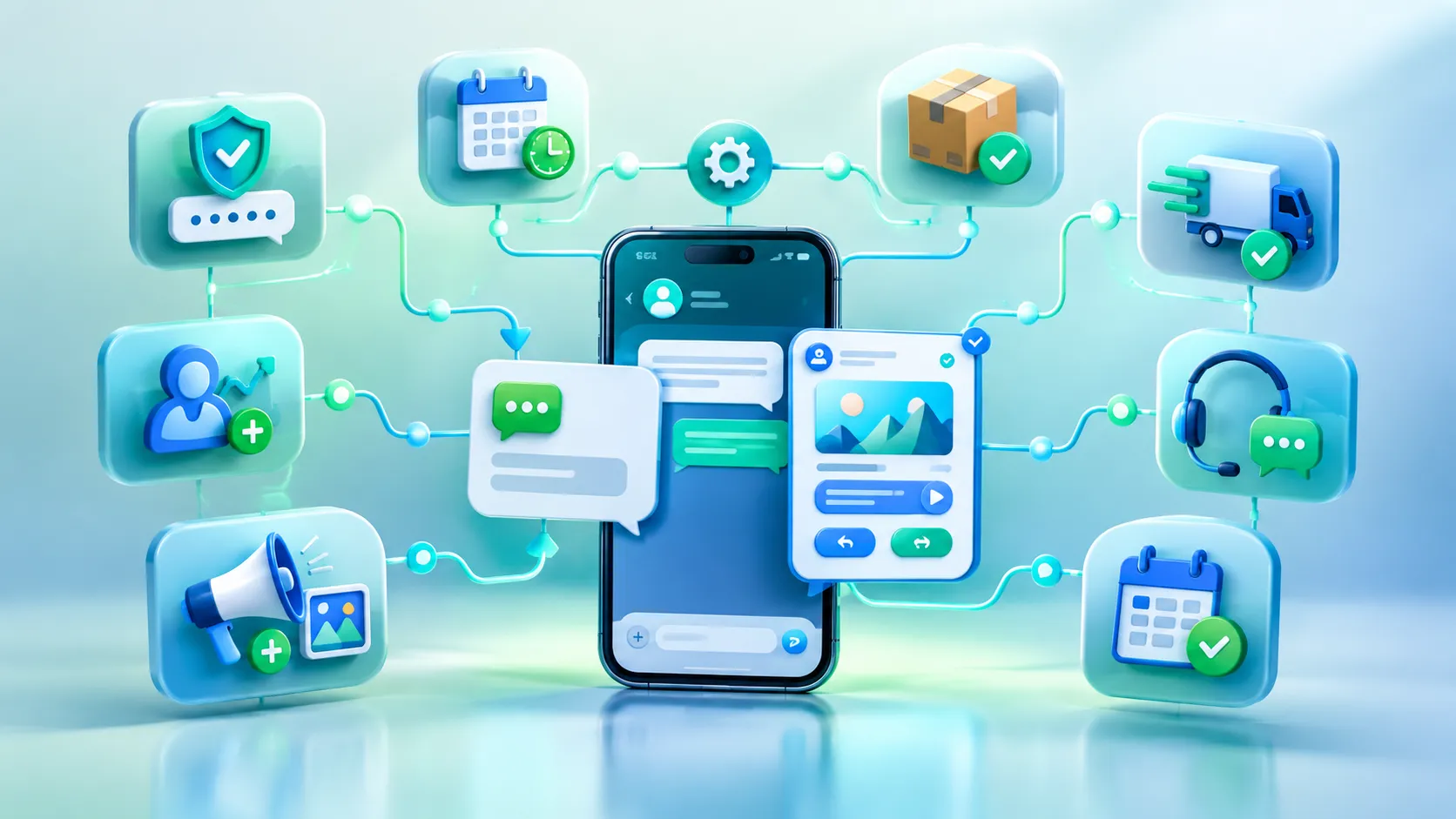
Messaging Automation means messages are triggered by events, schedules or customer actions instead of being sent by hand. Businesses commonly automate OTPs, appointment reminders, order updates, delivery notifications, lead follow ups, campaigns, support replies, re-engagement and booking confirmations.
With SMS, Messaging Automation usually centres on reliable text notifications: a code, a reminder, a status update. An SMS API lets a CRM, online store or booking system send them without manual work.
RCS adds interactivity to the same flows. A reminder can include "Confirm" and "Reschedule" buttons, and through an RCS Messaging Service the customer's tap can decide the next step.
Good Messaging Automation is about timing and relevance, not volume. Do not assume richer messages automatically perform better; measure your own results.
SMS Backup and Fallback
Even businesses that adopt RCS should keep SMS in the plan. SMS backup means that when a rich message cannot be delivered or is unsuitable, for example because a device or carrier lacks RCS support, the message is sent as SMS instead, depending on the implementation.
Typical examples:
OTPs, where a missed message blocks the customer
Important alerts
Appointment confirmations
Delivery notifications
Account and security communication
Your SMS service provider and SMS API usually handle this switch, and messages that cannot be delivered via RCS can fall back to billable SMS, with cost and compliance rules that vary by country. SMS and RCS work better as partners than as competitors: RCS provides the rich experience, SMS the safety net.
SMS vs RCS for Small Businesses
Small businesses should weigh budget, simplicity, reach, customer base, technical setup, marketing needs, catalogue size and automation.
SMS may be enough if you mainly send OTPs, order confirmations or reminders and want a low effort setup through a straightforward SMS service. RCS may add value if you sell visual products such as fashion, food or travel, run branded campaigns, or want customers to act without leaving the chat, though it brings extra work in verification, design and testing.
Choose SMS when messages are short, transactional and need the widest reach.
Consider RCS when visuals and quick actions would clearly improve the journey.
Consider a combination when you want rich campaigns with SMS as a safety net.
SMS vs RCS for Medium-Sized Businesses
Growing companies usually have larger customer databases, regular campaigns, CRM integration, support queues and automated workflows. At this stage, SMS vs RCS becomes a question about journeys rather than single messages.
RCS Business Messaging can support product communication, lead generation and richer support conversations, while SMS carries transactional notifications and time critical alerts. An SMS API connected to your CRM keeps those notifications automatic, and Messaging Automation rules can pick the channel for each step.
SMS vs RCS for Large and Enterprise Businesses
Enterprises deal with high message volumes, multiple customer journeys, CRM and marketing automation integration, OTPs, security notifications, delivery updates, customer support and multi channel coordination. They also need reporting, monitoring and fallback strategies.
At this scale, SMS vs RCS is rarely an either or choice. Security and transactional messages rely on SMS reach, while campaigns and service journeys benefit from richer formats. That calls for an integrated RCS Messaging Service and SMS service strategy, with shared reporting, fallback rules and template governance.
Common SMS Mistakes Businesses Should Avoid
Sending unclear messages without identifying the business
Sending too many promotions, or at poor times
Weak calls to action and unnecessary messages
Ignoring opt-out and compliance requirements
Using the wrong message type, such as promotional content as transactional
Poor API integration that causes duplicate messages
Not monitoring delivery or having a fallback plan
In the SMS vs RCS debate, these problems are often blamed on the channel when they are really execution issues. Most are fixed with clear sender names, frequency limits, honoured opt-outs, tested SMS API triggers and delivery reviews.
Common RCS Mistakes Businesses Should Avoid
Overloading messages with too many buttons
Poorly designed content or irrelevant images
Confusing button labels
Ignoring device and client support, or assuming every customer sees the same thing
Not testing message rendering
Overusing promotions or building poor conversational flows
Ignoring fallback communication
Not monitoring campaigns or following business messaging rules
Many of these mistakes come from treating SMS vs RCS as a like for like swap. Testing matters because the same message can look different across phones and apps, so test on a range of devices before launch, check every button and confirm your fallback works.
SMS vs RCS: Which Should Businesses Use in 2026?
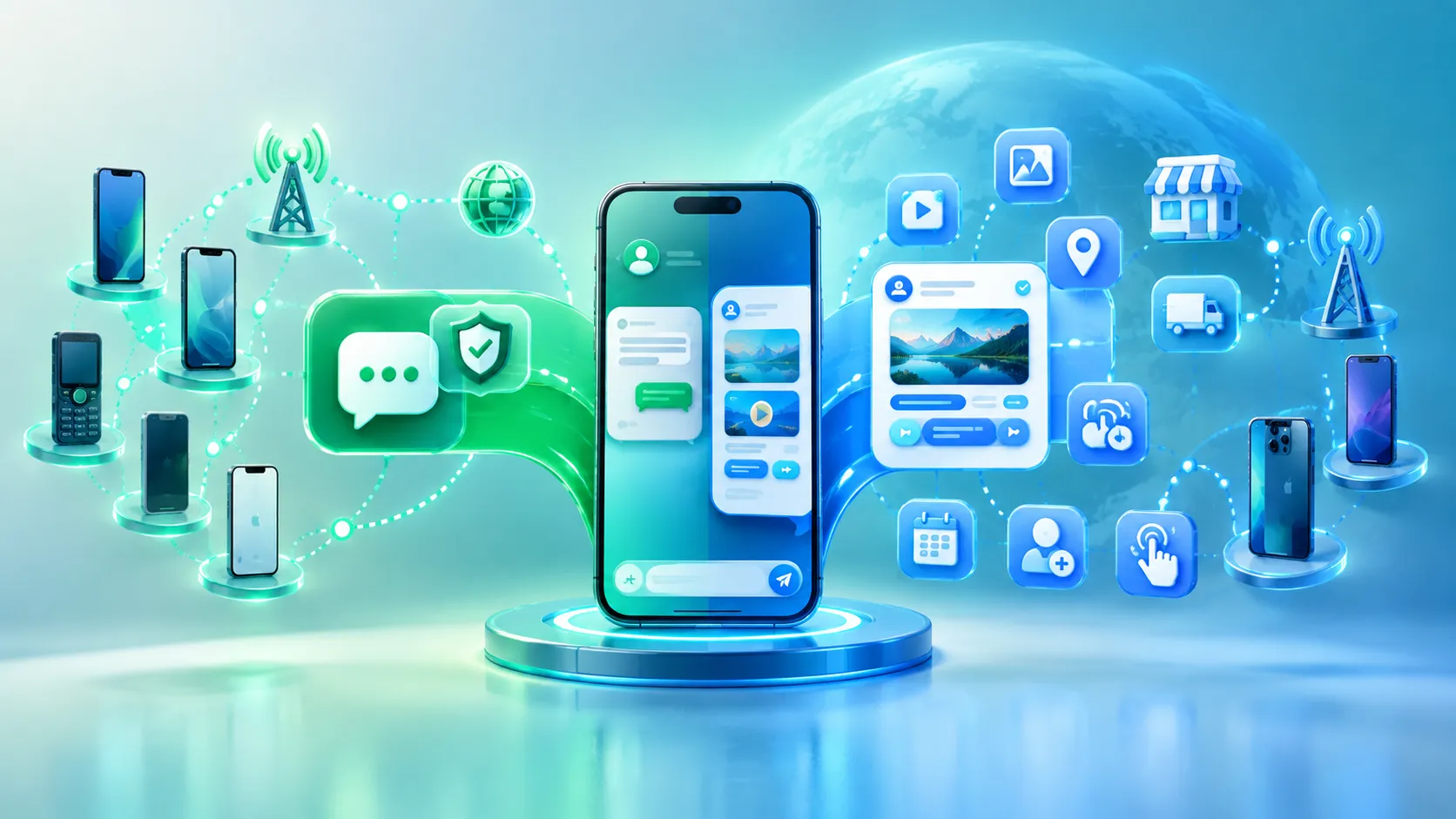
Several developments make 2026 different. Apple's iOS 18 RCS support means one rich message can reach both Android and iPhone users where carriers support it. End-to-end encryption for personal iPhone & Android RCS chats began rolling out in beta in May 2026, though business messages are encrypted in transit only. The GSMA has also published Universal Profile 4.0, adding options such as streaming video in Rich Cards. In India, provider reports say Jio, Airtel and Vi support RCS Business Messaging, with features varying by operator.
None of this means RCS has replaced SMS. A dependable SMS service remains essential for OTPs, alerts, transactional communication and fallback because of its reach and simplicity. RCS is increasingly relevant because it puts visuals, branding and actions inside the message.
The right mix depends on your customers, use case, device support, market, budget and objective. That is the honest answer to the SMS vs RCS question in 2026.
SMS vs RCS: A Simple Decision Framework
Use SMS when:
You need broad reach
The message is simple
You are sending OTPs
You need alerts or reminders
You need a fallback channel
Consider RCS when:
You need visual content
You want interactive actions
Product discovery matters
Branding matters
You want richer customer journeys
Consider both when:
You operate at scale
You have multiple customer journeys
You need reliability plus richer experiences
You want SMS backup for messages that cannot be delivered as RCS
Final Conclusion
SMS is a simple, text based channel that reaches nearly every phone. RCS is a richer, data based channel that supports branding, visuals and interactive actions where devices, carriers and markets allow. The core SMS vs RCS difference comes down to reach and reliability on one side, and experience and interactivity on the other.
SMS still matters in 2026 for OTPs, alerts, transactions and fallback. RCS matters because customers can now do more inside the message. A sensible approach to SMS vs RCS is to choose by use case, and sometimes to combine both.
The right messaging strategy is not about choosing the newest technology. It is about matching the communication channel to the customer journey and business objective.